March 16, 2026
This Week in Slashwork
We've been busy in the kitchen whipping up some tasty delights. We're excited to share the new features and improvements.
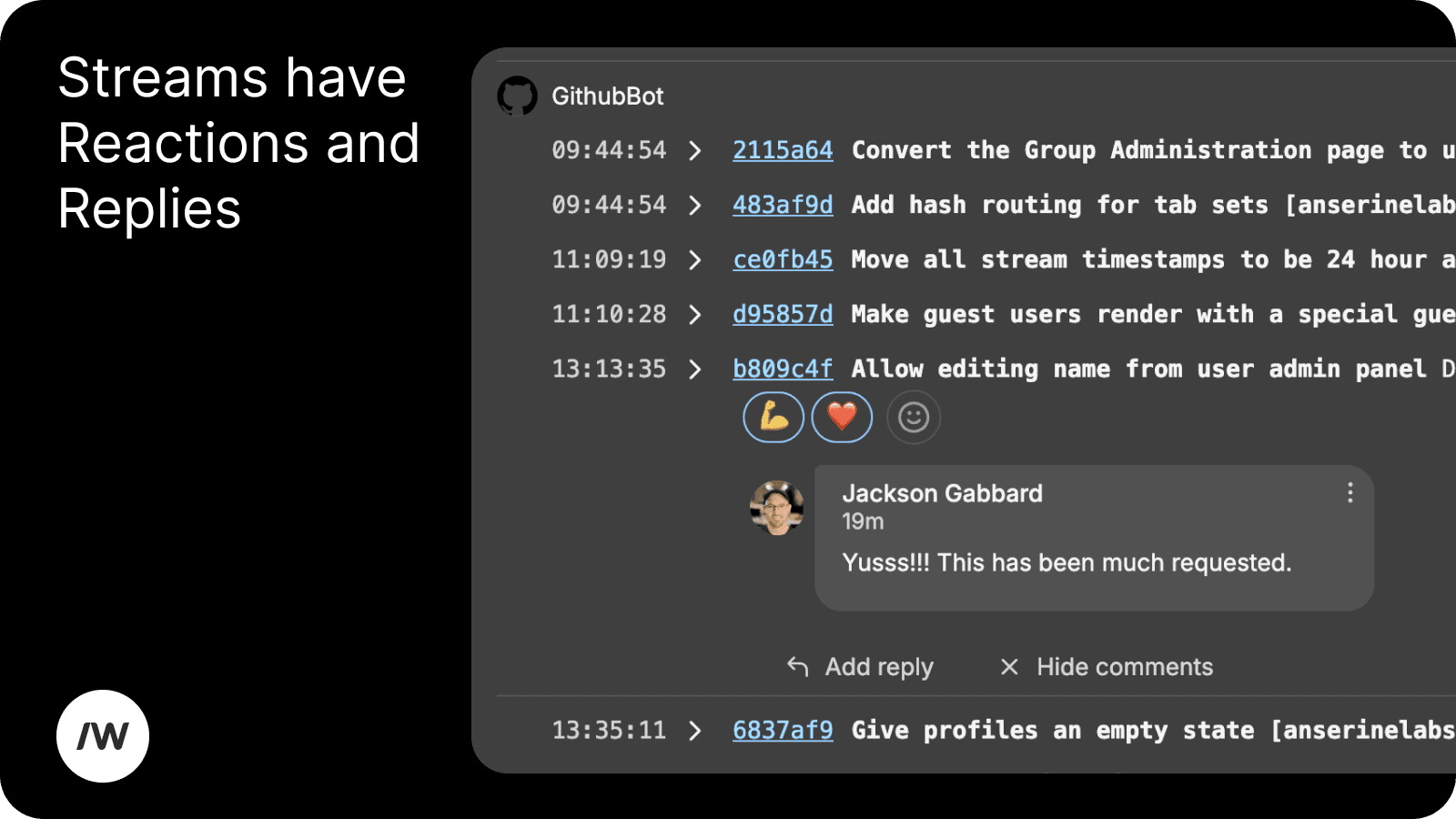
🏄🏻♂️ Streams
We've dramatically improved the usability of Streams. You can now Reply and React to Streams messages. On top of that, we've done a huge amount of UI polishing and layout improvements. We buffed the Streams layout logic to maximise the amount of content you can see on each line.
🪜 Improved Onboarding Experience
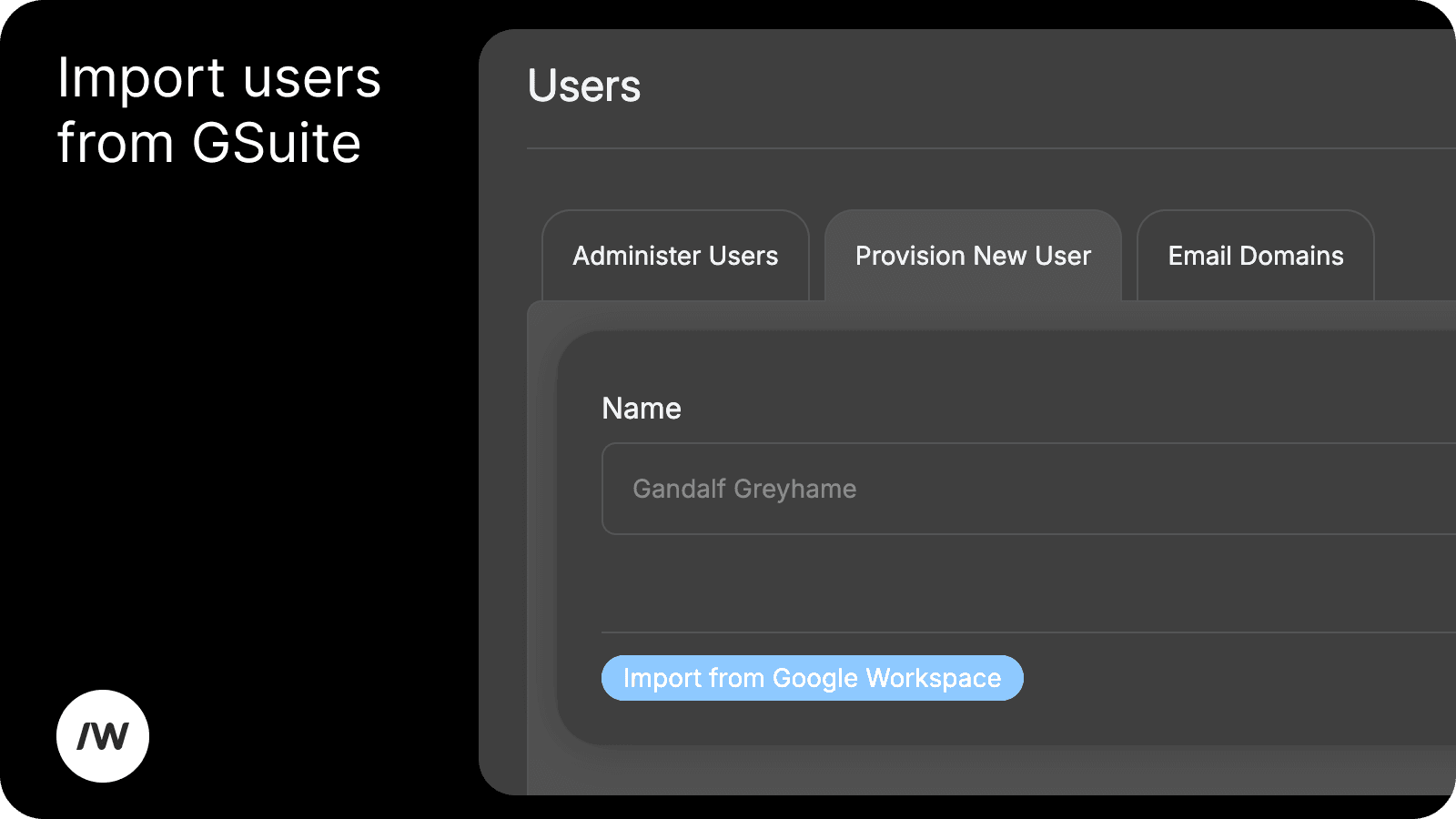
- Import from G-Suite
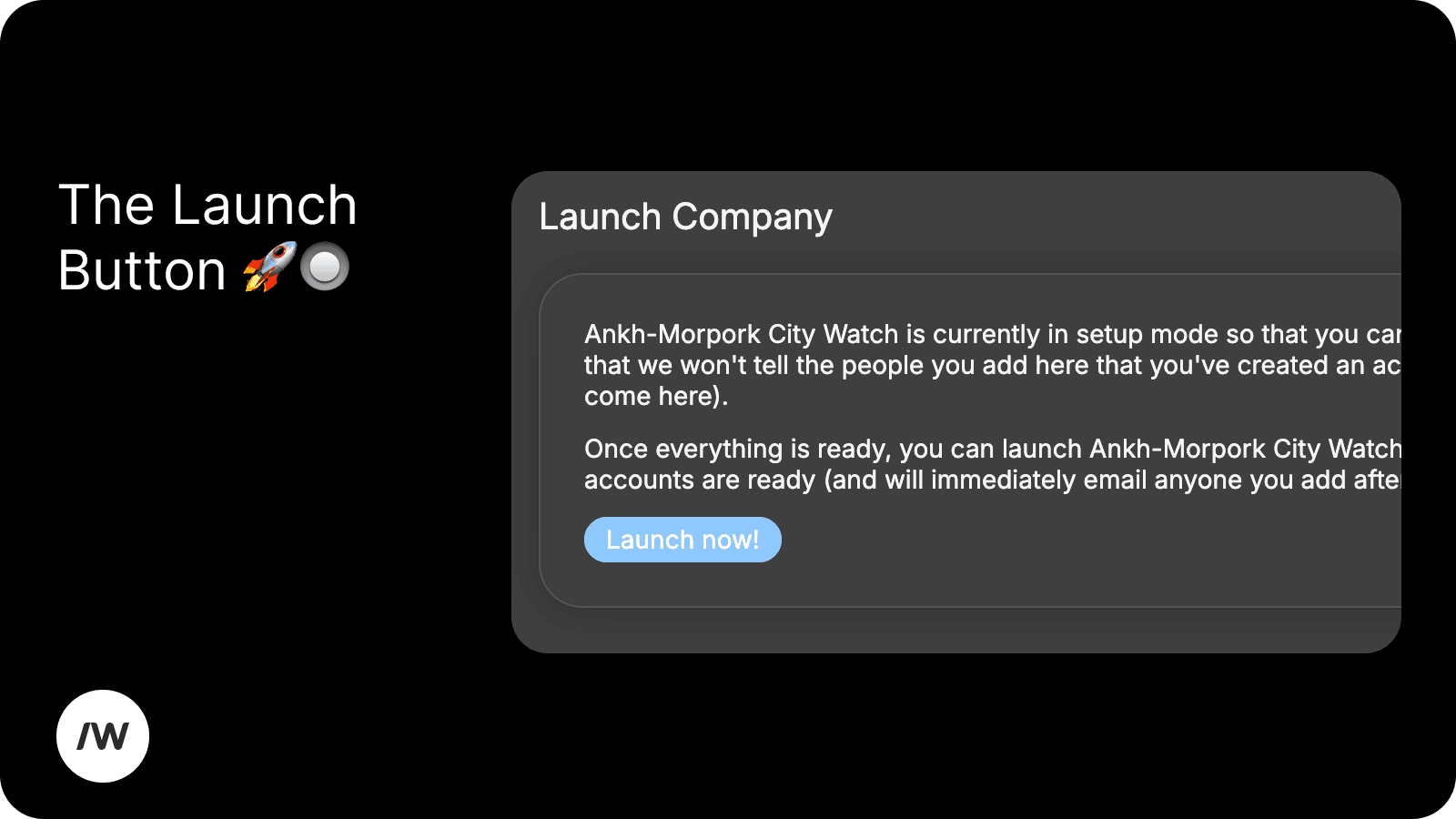
You can now import all your team members from Google Workspace. We're still in review with Google, so we have to manually add each G-Suite account to our pre-approved app. - The Launch Button 🚀 🔘
Our onboarding process is now two-stage: pre-launch and launched. When you're in the pre-launch stage, you can create all groups and provision all users without spamming anyone. No one will be notified about their account until you're ready. When the time is right, you can mash the "Launch" button and Slashwork will send an email to all the team members inviting them all at once.Once launched, adding new users will immediately notify them via email.
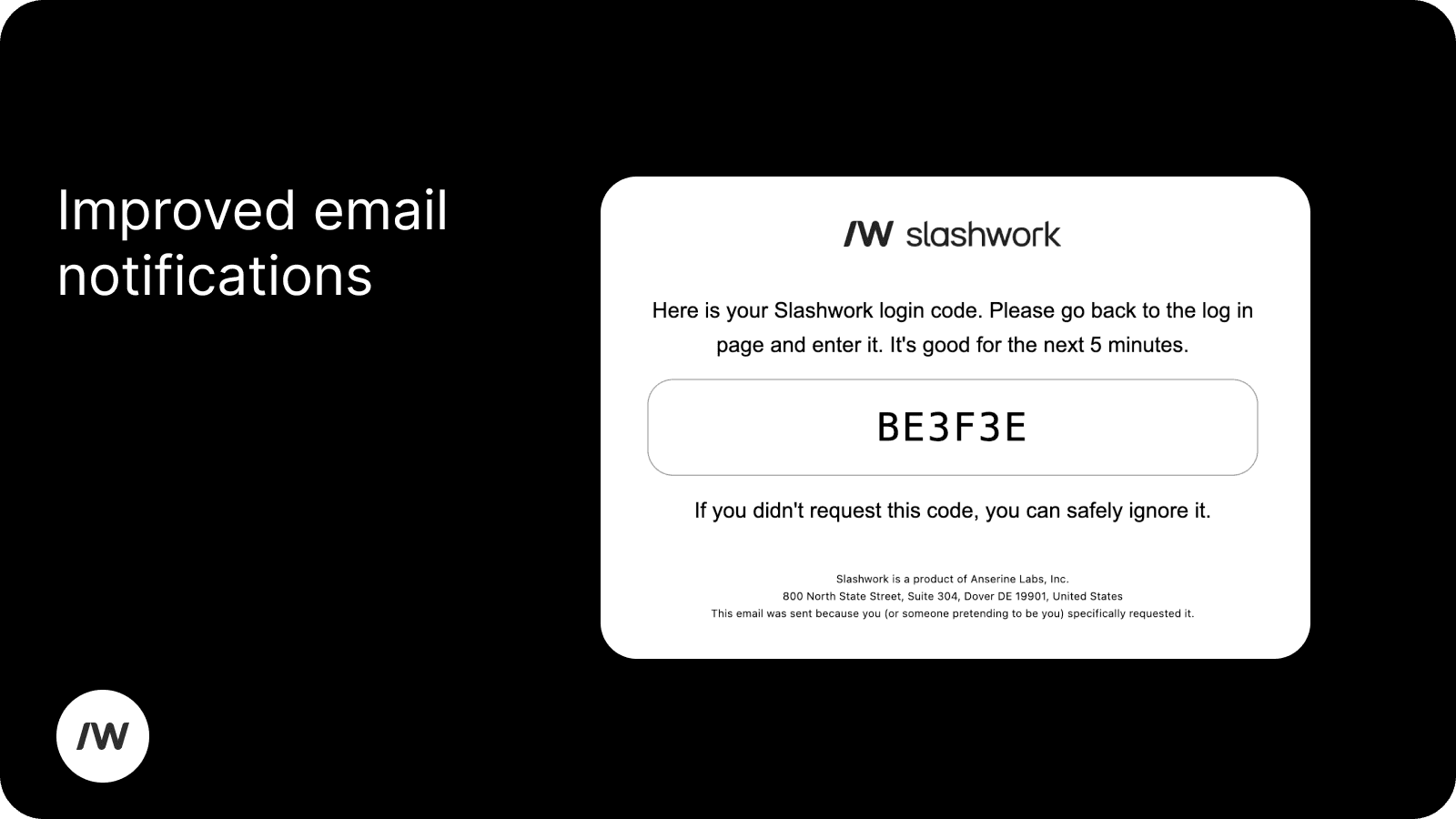
Our email templates are now much cleaner and correctly branded. Clean as a whistle.
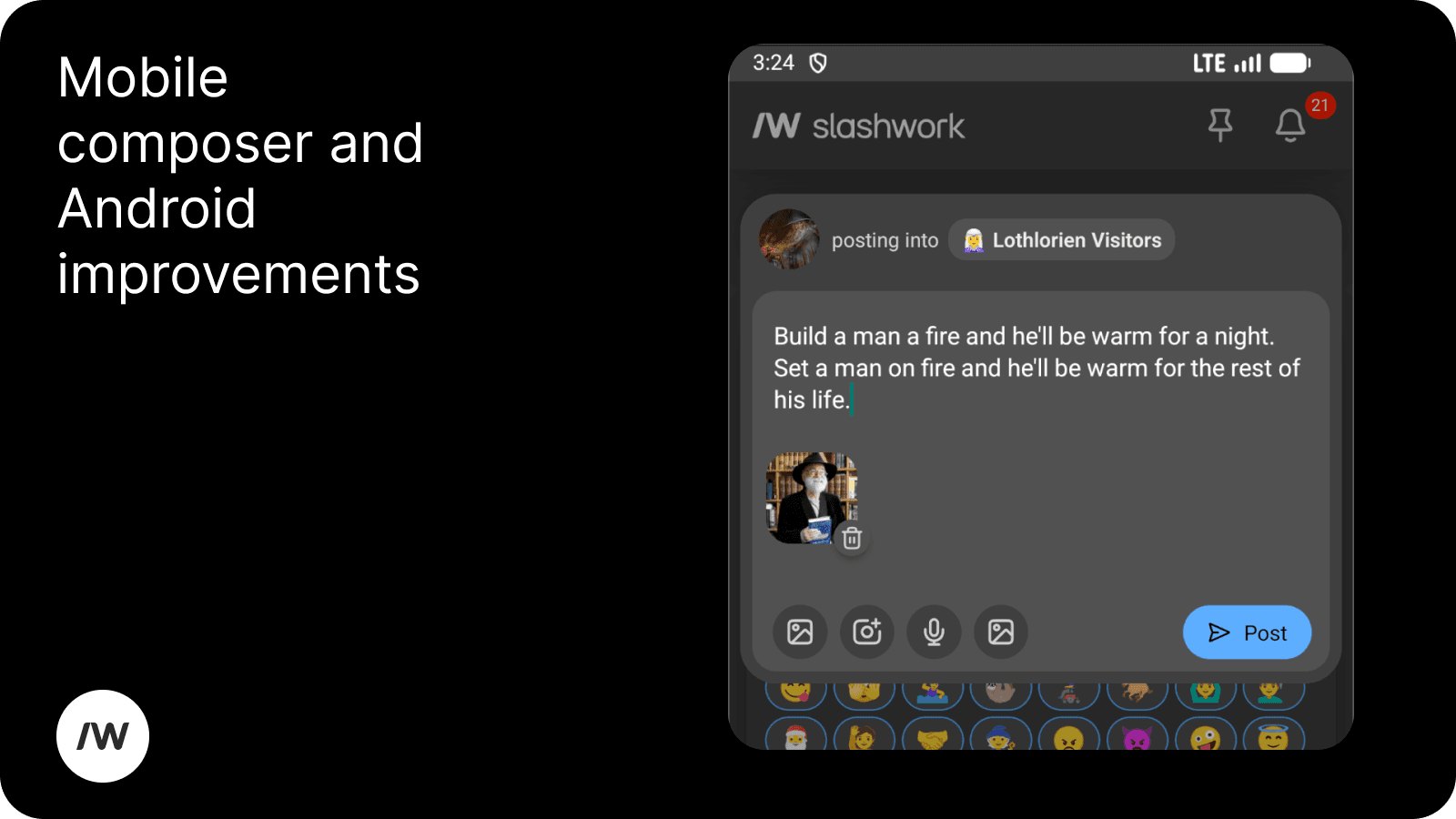
📝 Composer Improvements
We've significantly improved the mobile authoring experience for attachments. We've also shipped many Android keyboard fixes including adding support for SwiftKey.
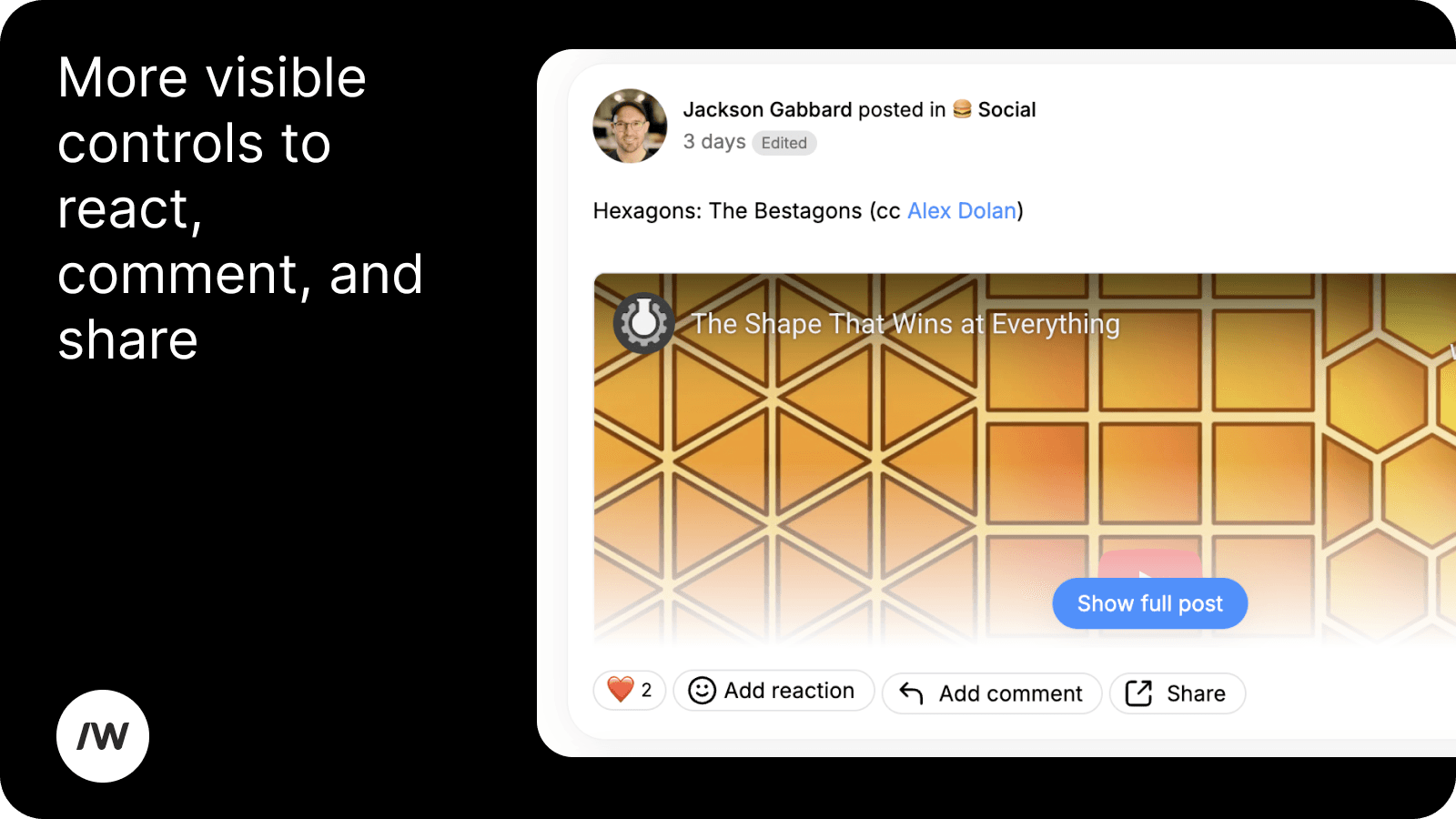
📬 Post improvements
Our new share buttons allows for easier sharing of content (react, comment, and share). We've also made it easier to see what users have reacted to your post/comment/message.
📰 Groups Post Sorting Improvements
We now sort recently commented on posts to the top of groups. Previously, we were showing group posts in a purely chronological ordering. Now, Group posts will re-sort by putting the most recently commented on post at the top.
🏎️ Performance
We put some significant time into the performance of our deployment. We now have much better instrumentation and, for our users, dramatically decreased lag in the product when we're deploying the latest version.
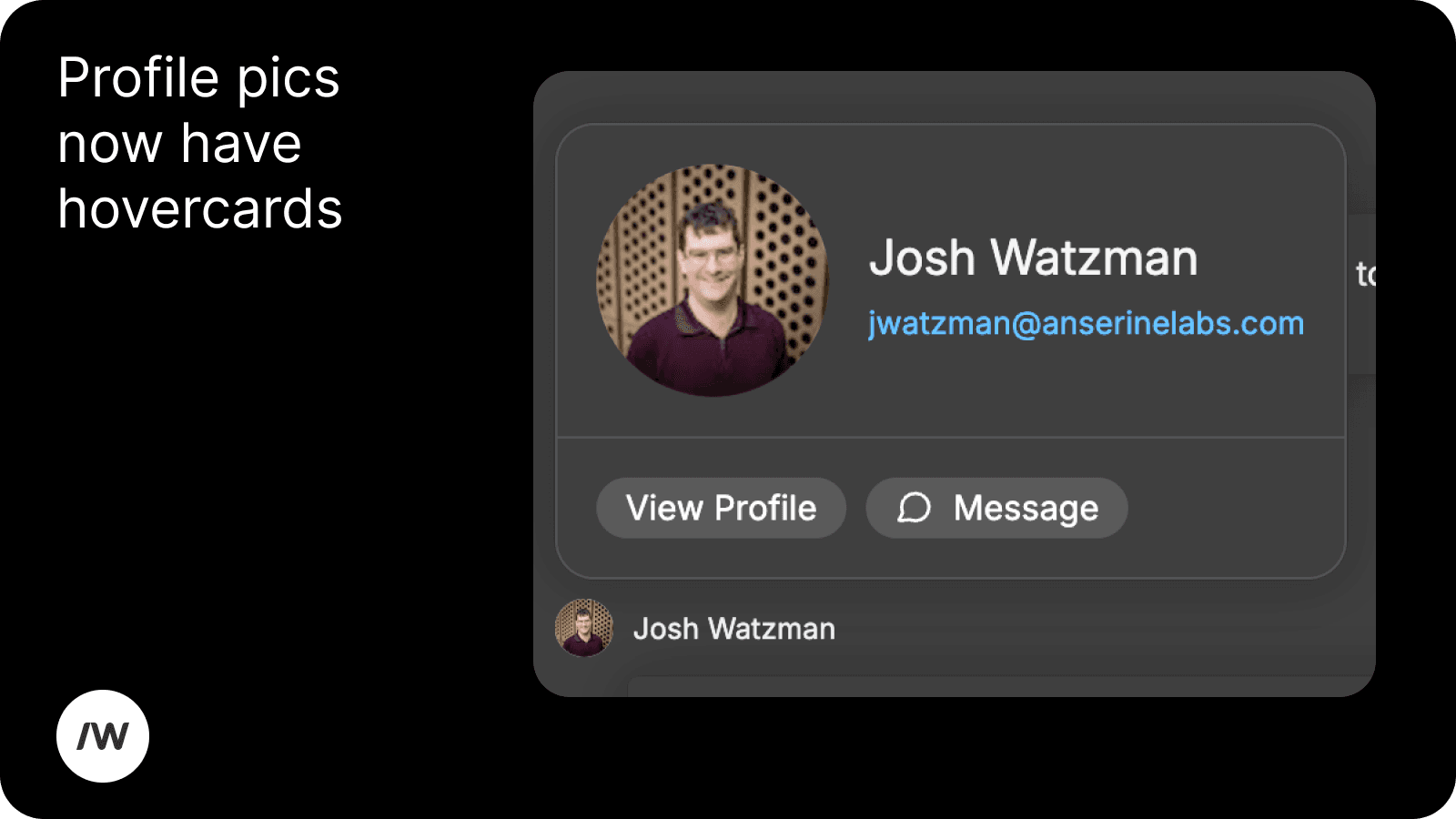
👤 Profile Hover Cards
Getting a quick look at a teammate's profile pic or quickly sending them a message is now as easy as hovering over their profile pic. Everywhere in the product, you can now see hovercard that give you one-click access to the person's profile or starting a conversation with them.