April 20, 2026
This Week in Slashwork
It's been another successful couple of weeks in our guerrilla war against infinite scrollback hell. We've shipped a number of features requested by our design partners. We have a number of other things we're excited to tell you about as well.
🏄 New User Onboarding
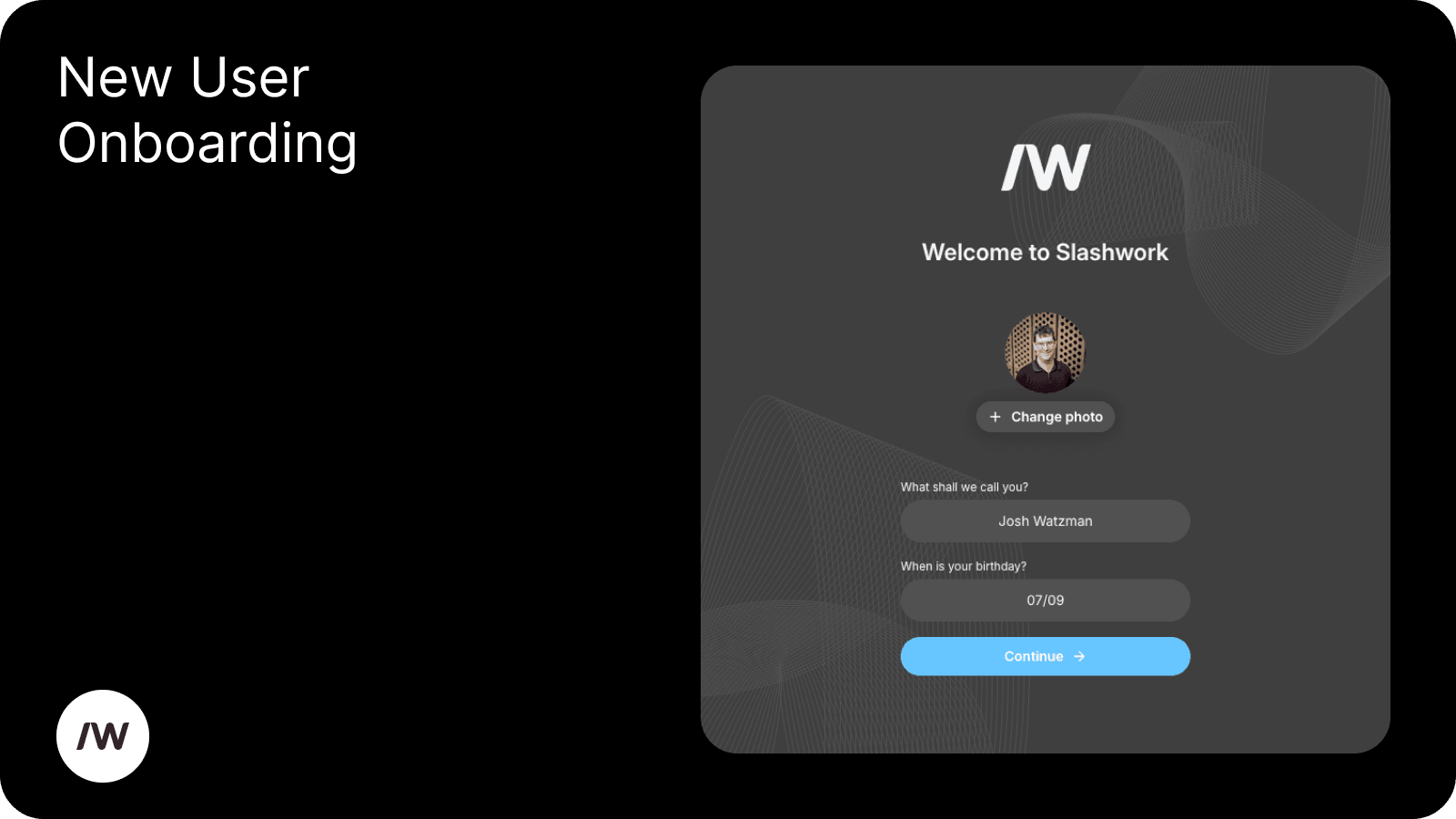
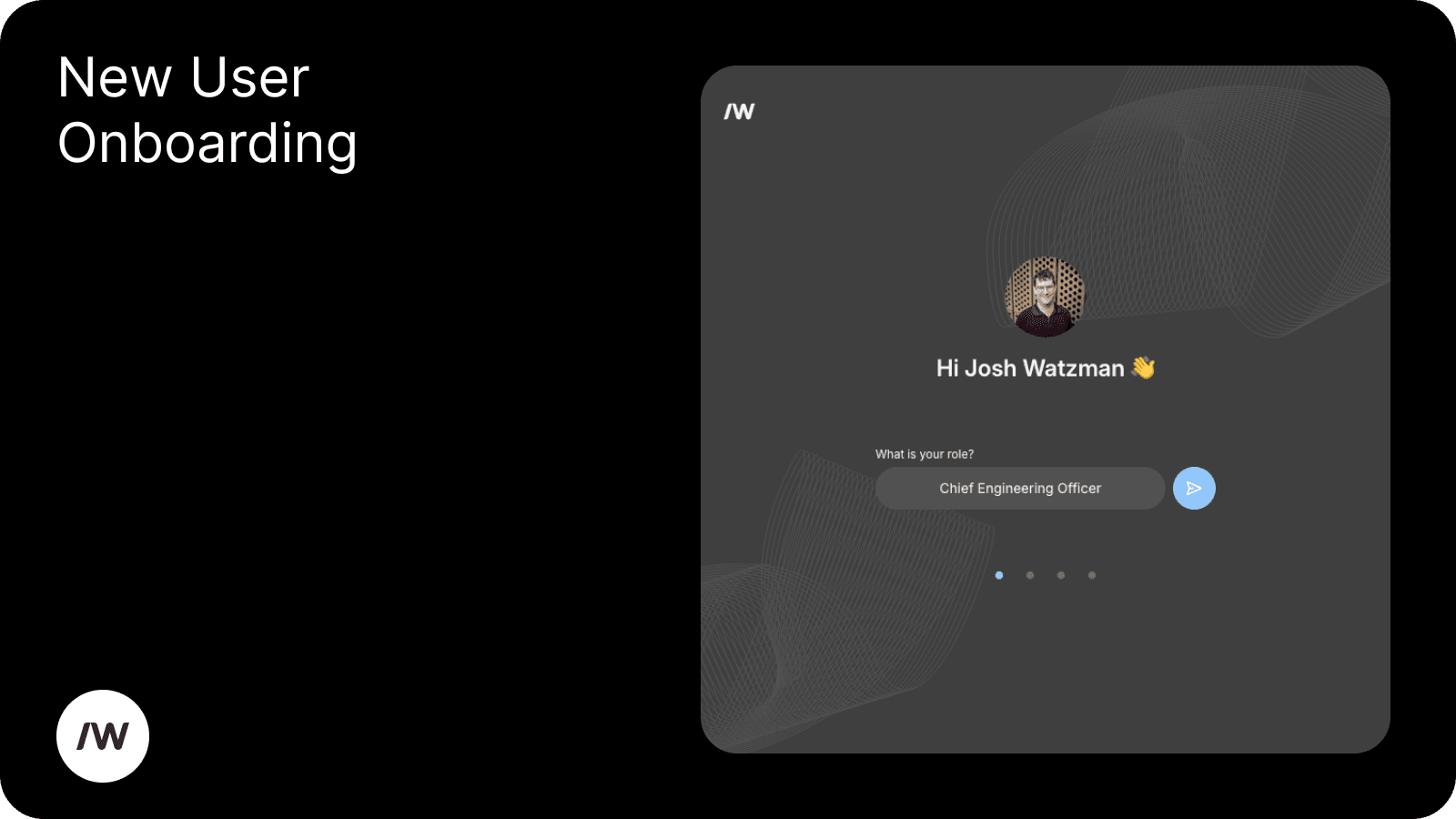
An extremely big-ticket item: new users will now go through an onboarding flow the first time they log in! (On desktop only for now, but coming soon to mobile.) This flow will help them set a name and profile picture, alongside several other bits of information about themselves. It's all optional of course, but it will go a long way to making the people that you interact with on Slashwork feel like real people.
If your account is already set up but you want to try it out anyways, click on your profile picture in the lower left corner and go to ‘Settings’. You’ll find the option to restart your onboarding flow at the bottom of the page.
📇 Google Workspace Sync
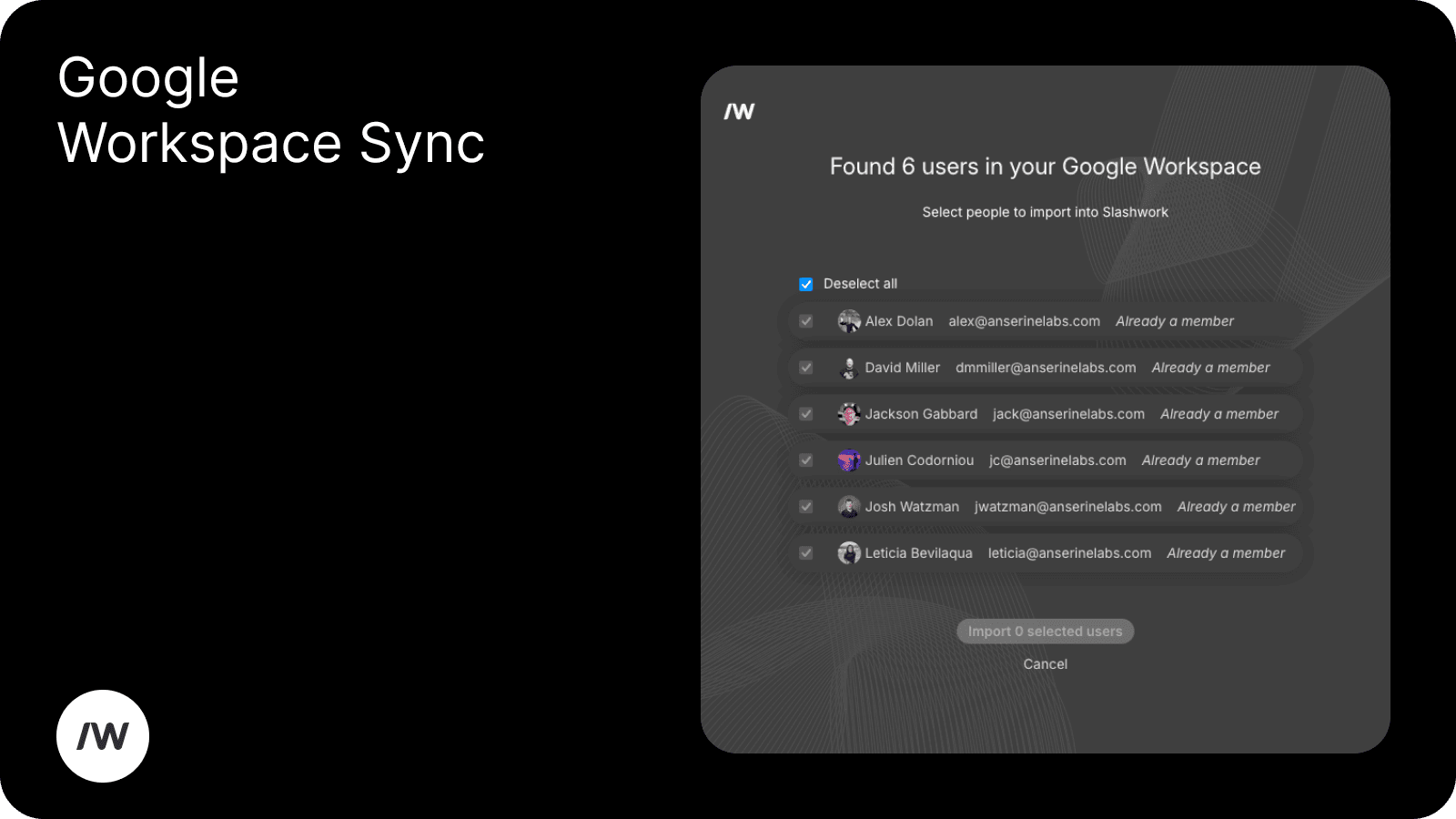
Another extremely big-ticket item: we have an approved Google app to help invite your co-workers from your Google Workspace into Slashwork. No need to remember email addresses or click through a bunch of exports, we can just do it automatically. You have control over who precisely you invite of course.
You can try it out now in the admin panel under "Provision New User", and also at the end of the new onboarding flow. We're working on a bunch more importers for Slack, Whatsapp and more -- this is just the start!
👤 Richer User Profiles
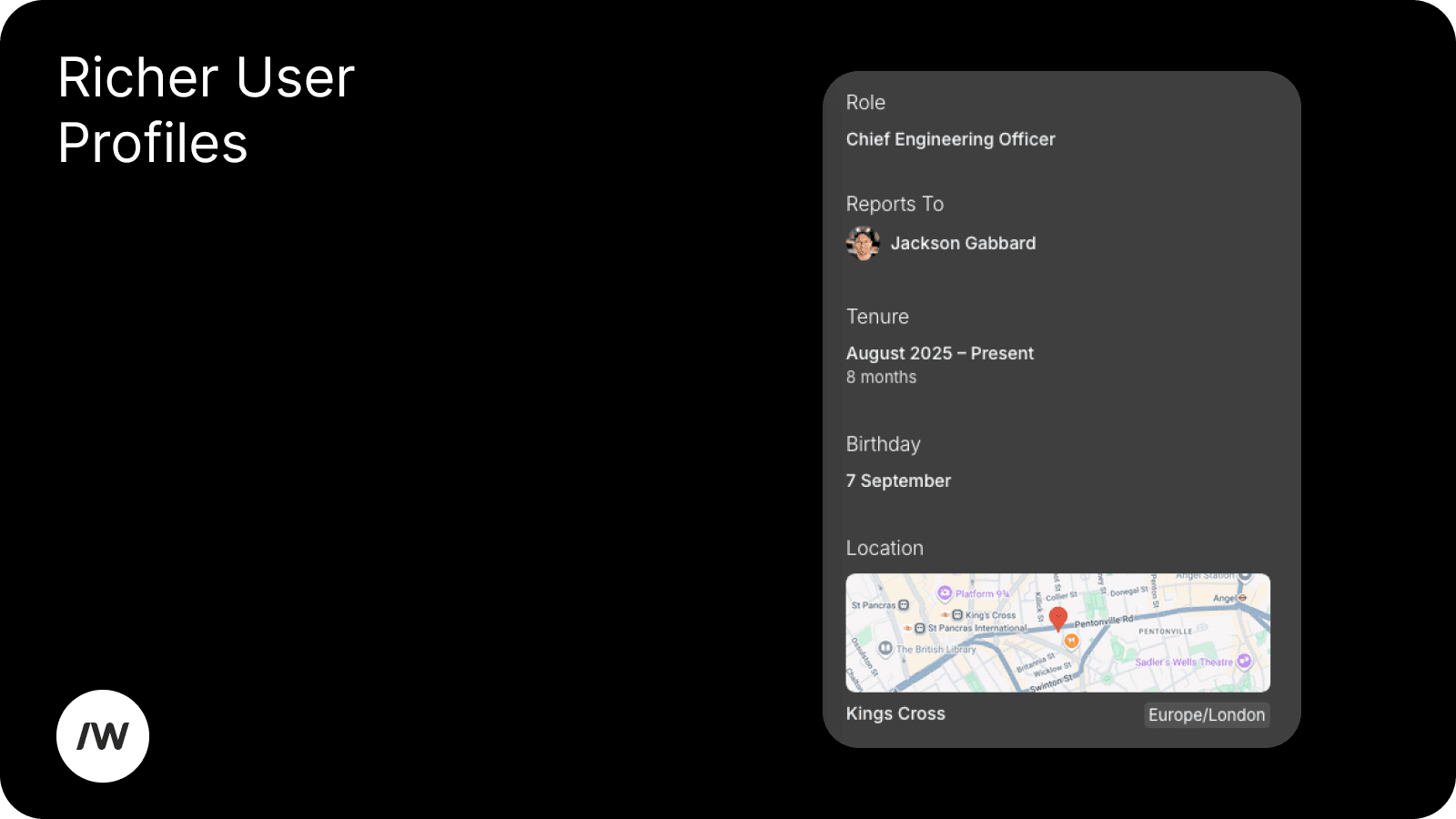
We've added birthday, start date, manager (org chart is coming soon!), and a number of other optional information to user profiles, to help build real human connection with your coworkers. The new onboarding flow will help you set all of these, or you can go to your own profile and set them in the right-hand column.
⏰ Scheduled Posts
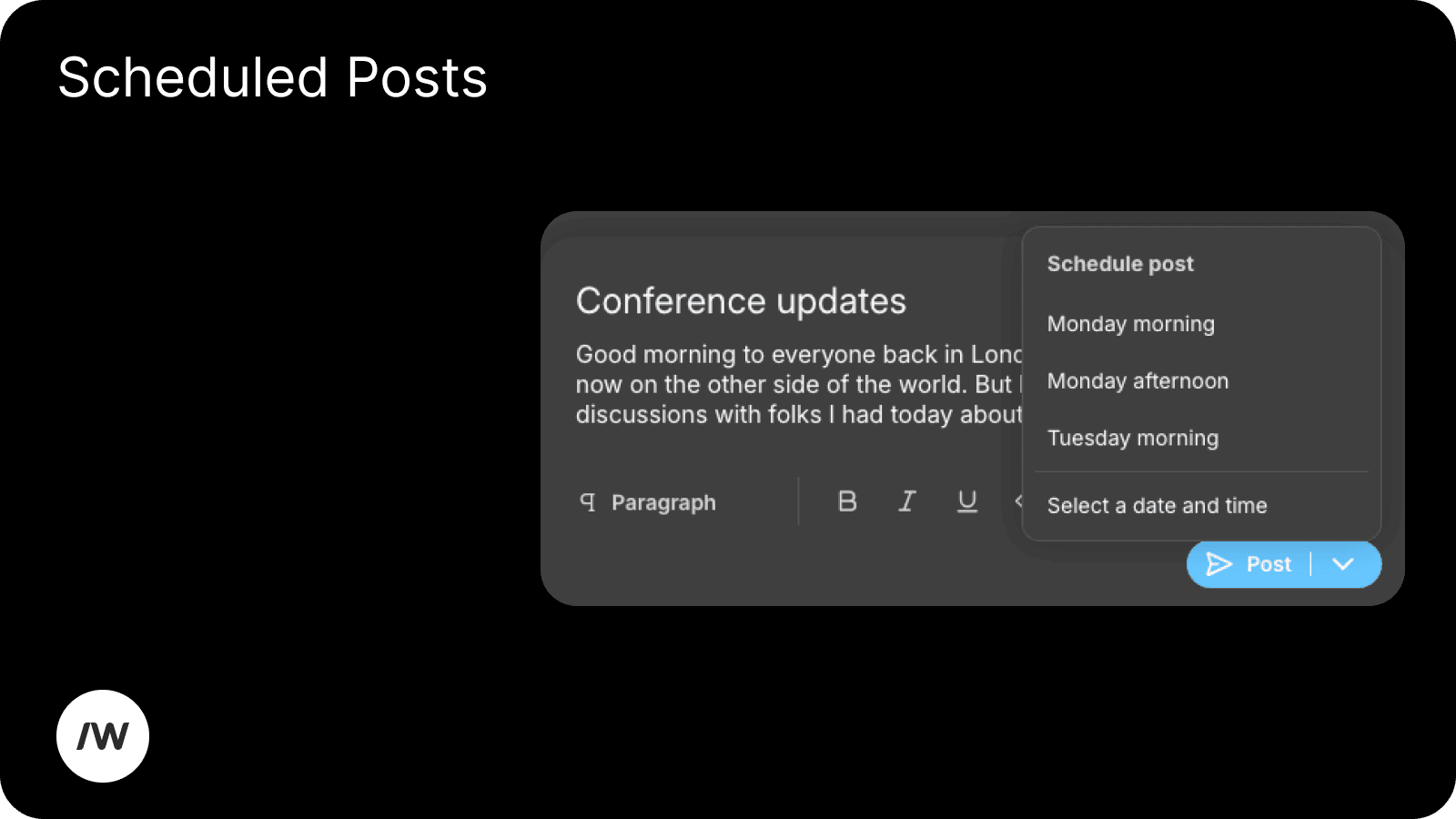
You can now schedule your group posts to send automatically at any time in the future, making it easy to automate posts to send at the optimal moment even if you’re out of office or offline, and helping distributed teams connect more easily across time zones.
This was implemented in response to a brilliant feature request from one of our customers -- thank you!
✨ Default Groups
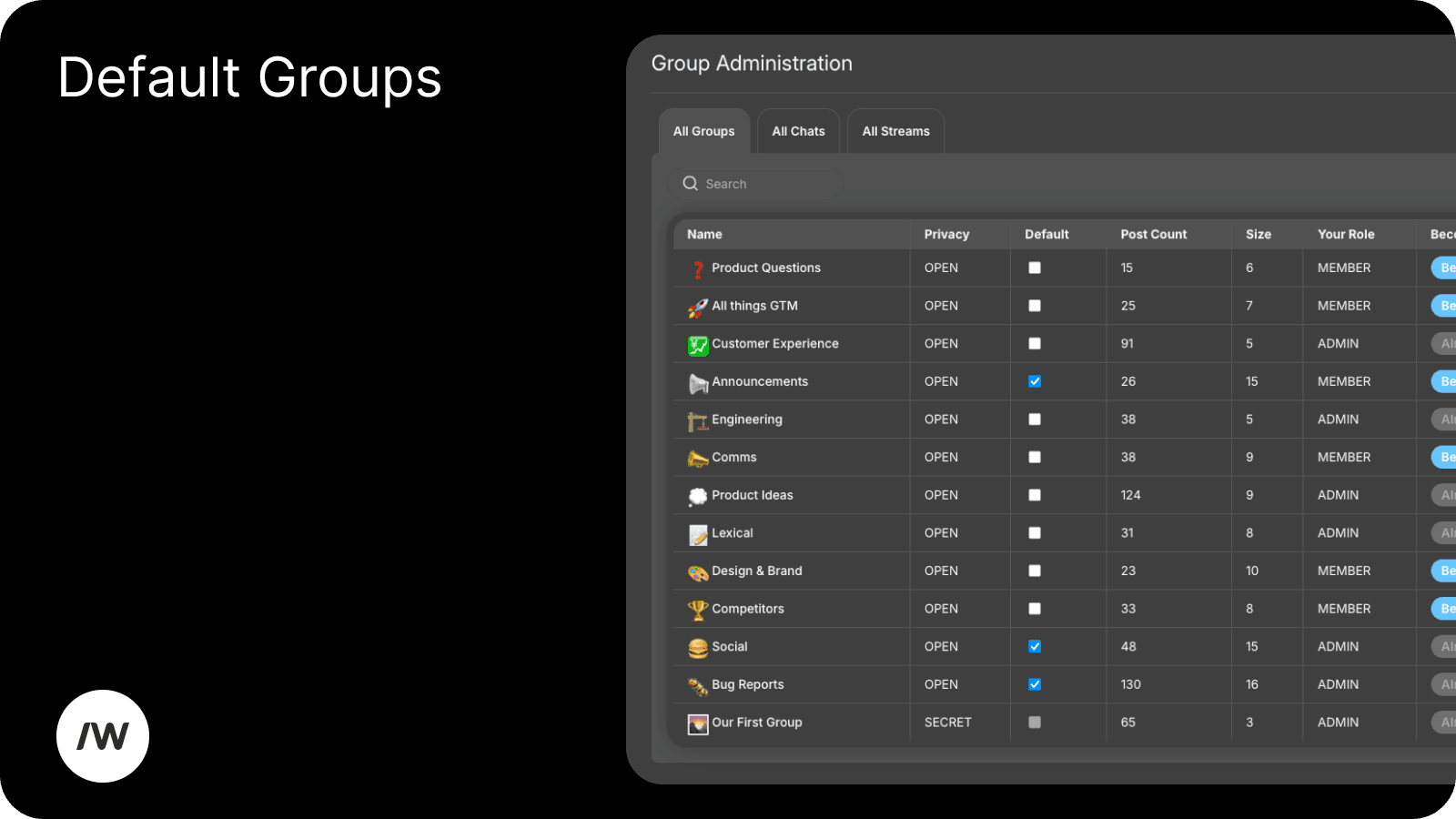
A company administrator can now designate a group as a "default group", which new users will automatically join on signup. This is really useful for company announcement groups and the like.
⚙ More System Events
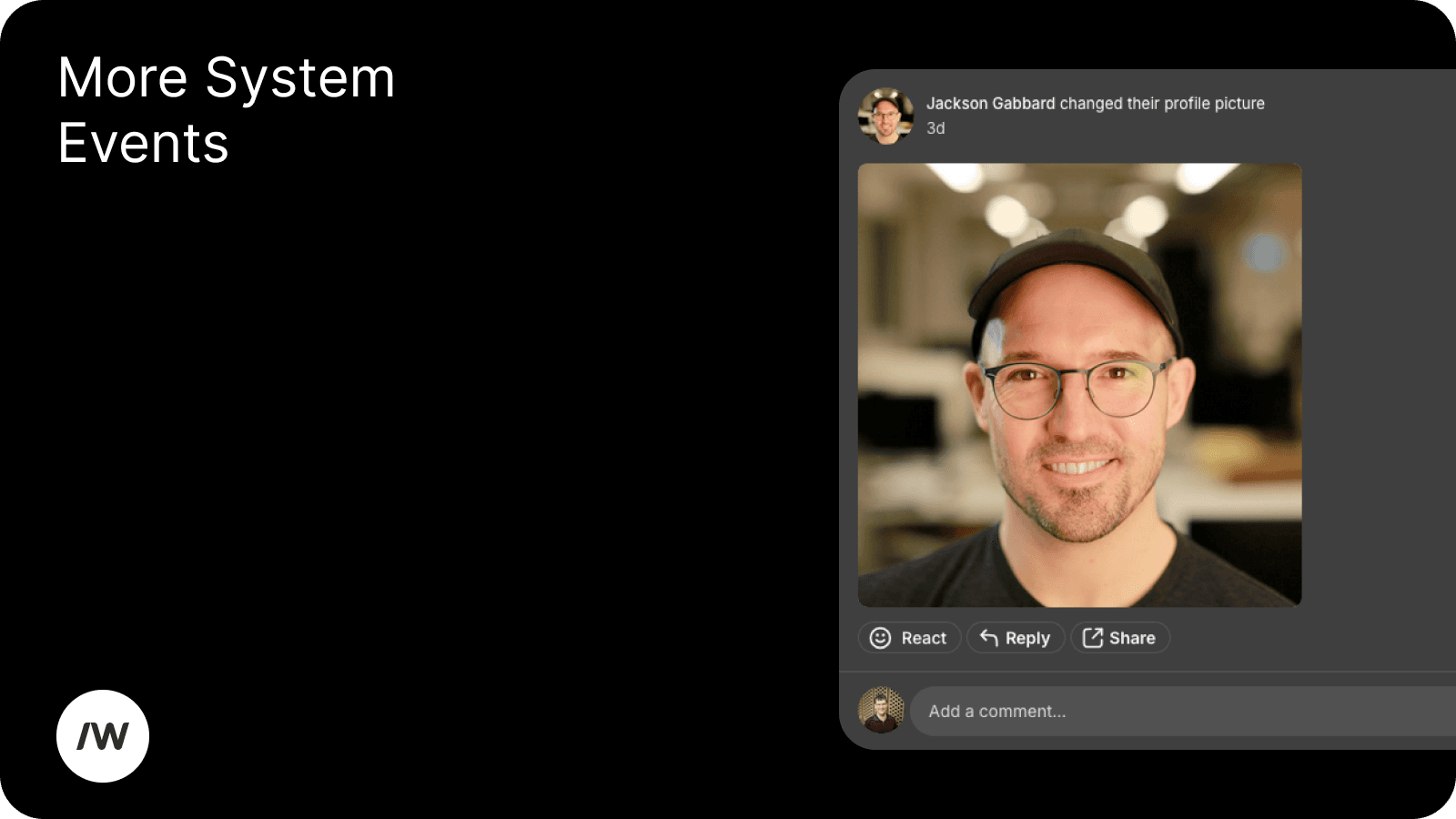
We started generating automatic posts a couple of weeks ago for system events like changing a group cover photo. We now also automatically post to your profile when you change your profile picture, cover photo, or name, to get conversations flowing.
🖼 Photo Improvements
We made a bunch of tweaks around how we handle image uploads. We now have better support for HDR photos and have improved our image compression formats to promote smaller, faster downloads and improved image quality across the board.
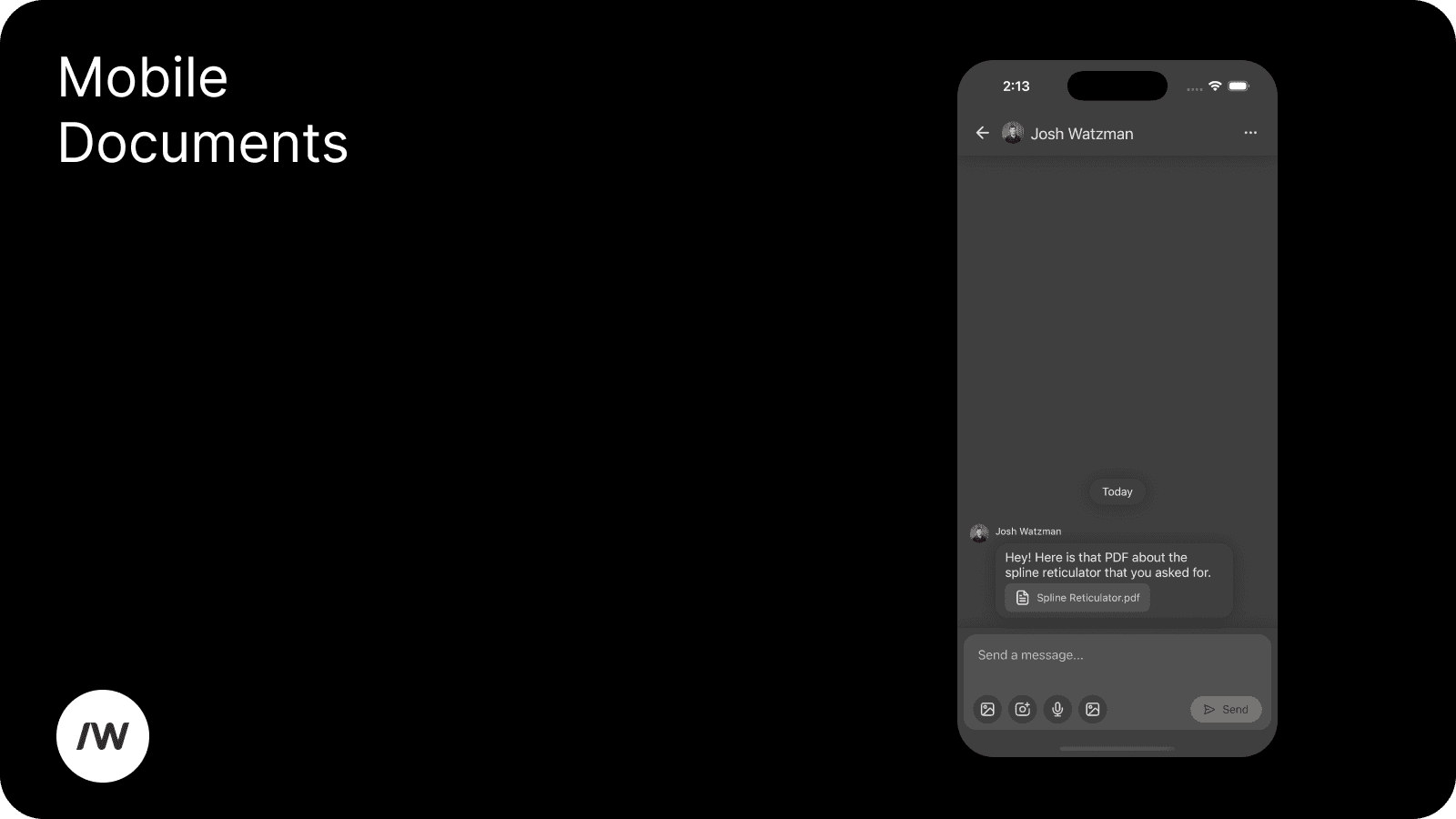
📄 Mobile Document Display
Our native mobile apps now correctly render documents and other non-image-attachments in groups and chats. This oversight was reported to us by one of our customers -- thank you!