August 17, 2026
This Week in Slashwork
Search has been the big focus these past few days, and it shows: results are easier to filter, easier to page through, and smart enough to find what you meant even when you didn’t type it exactly right. We also tightened up a handful of everyday moments — signing in, getting notified, formatting a message — so the basics feel just as solid as the big stuff. Here’s what’s new.
🔍 More Search Filters
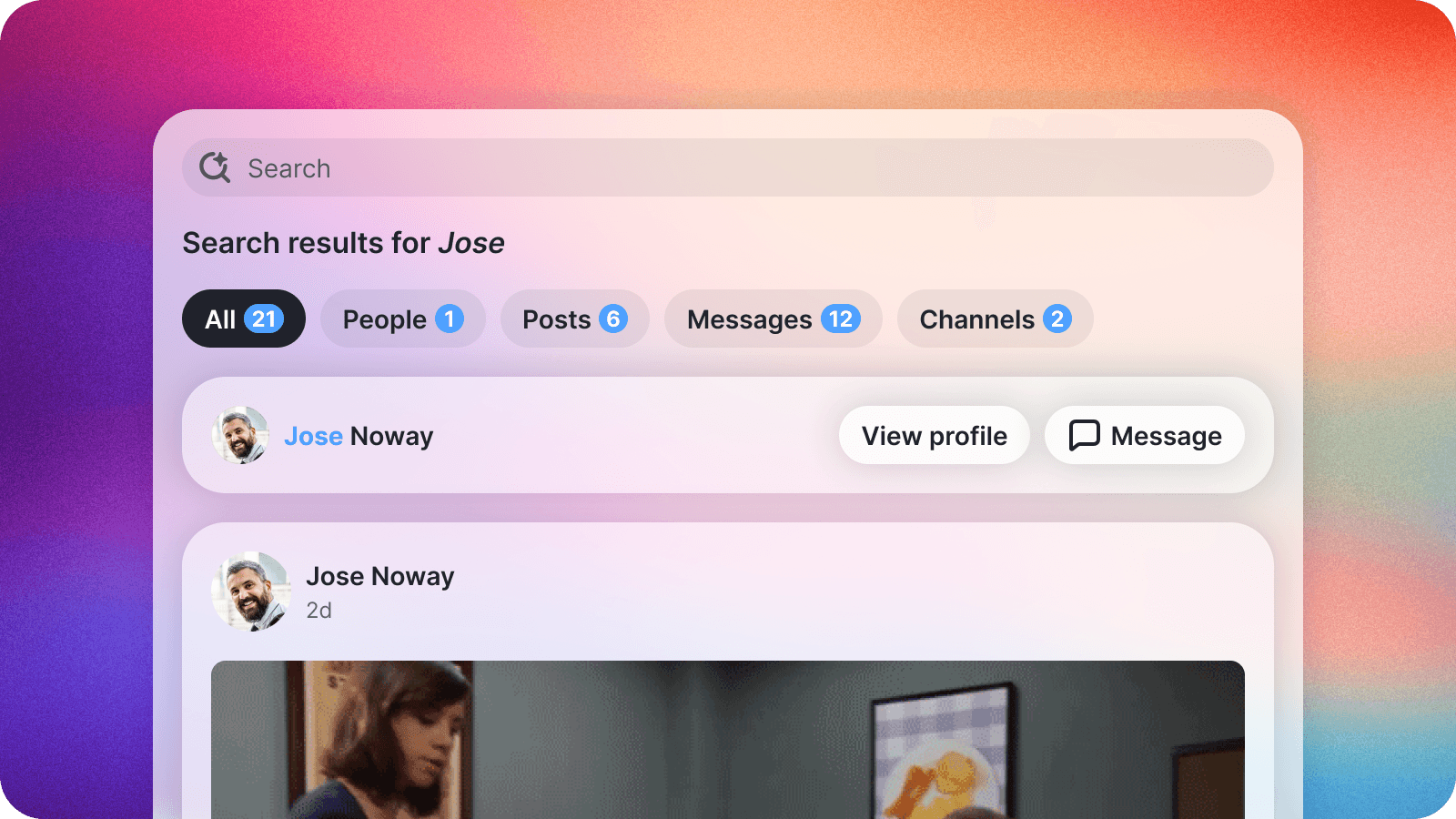
Search results now come with an “All” tab that brings posts, people, and groups together in one place, plus a one-click way to jump straight to a group’s page when that’s what you were really after.
Scroll down and more results load automatically, and you can now filter down to a specific type of result or a date range. Perfect for those “I know I saw this sometime last month” moments.
🧠 Smarter Search Matches
Search doesn’t need you to remember the exact words anymore. It’s smart enough to find the sentence, buried deep in a long post, that actually answers what you asked -- even if you phrased it completely differently than the original author did.
And when it finds something, it shows you exactly where the match happened, right in the results, so you know at a glance why a post or group showed up.
🔕 Notification Sound Control
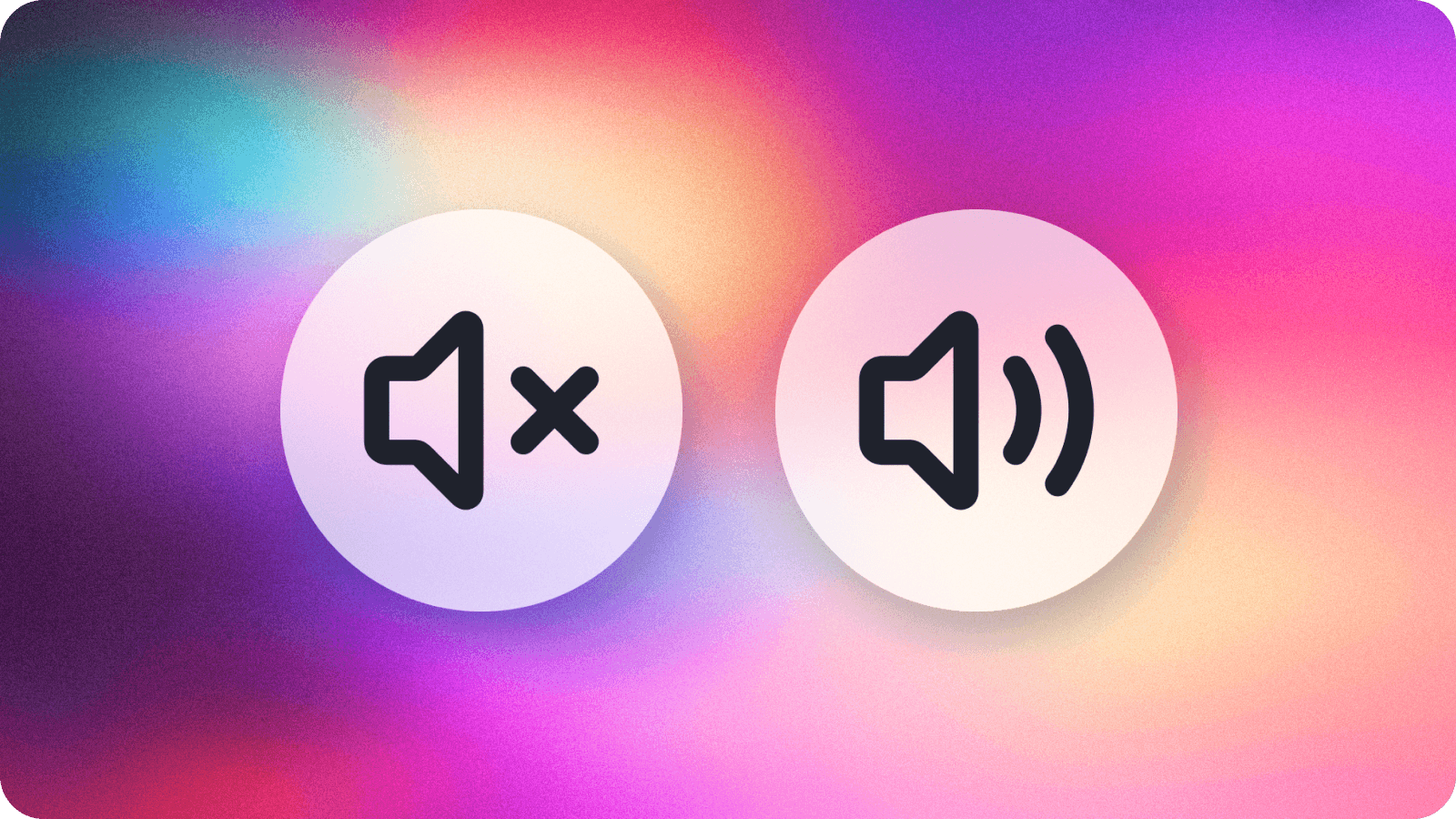
Some people love a good notification ding. Others would rather work in silence. Now you get to choose — head to your settings and turn the sound off whenever you’d like a little more quiet.
🔑 Easier Sign-In
A stray space or a slightly different subdomain in your email address is no longer a reason to get stuck at the login screen. Slashwork now cleans up small formatting differences automatically, so signing in just works.
🔗 Clearer Link Errors
If a link can’t be opened, Slashwork now tells you clearly what happened instead of leaving you staring at a blank screen wondering if something’s wrong on your end.
✍️ Consistent Line Breaks
However you like to format a message: lots of short lines, one long paragraph, everything in between -- it now looks exactly the same whether you’re reading it on the web, an iPhone, or an Android device.