August 3, 2026
This Week in Slashwork
We spent this stretch making Slashwork pay closer attention -- to what's actually happening in your feed, to whether you've actually read something, and to whatever you're trying to paste into a message. Here's what shipped.
🧠 Smarter Feeds
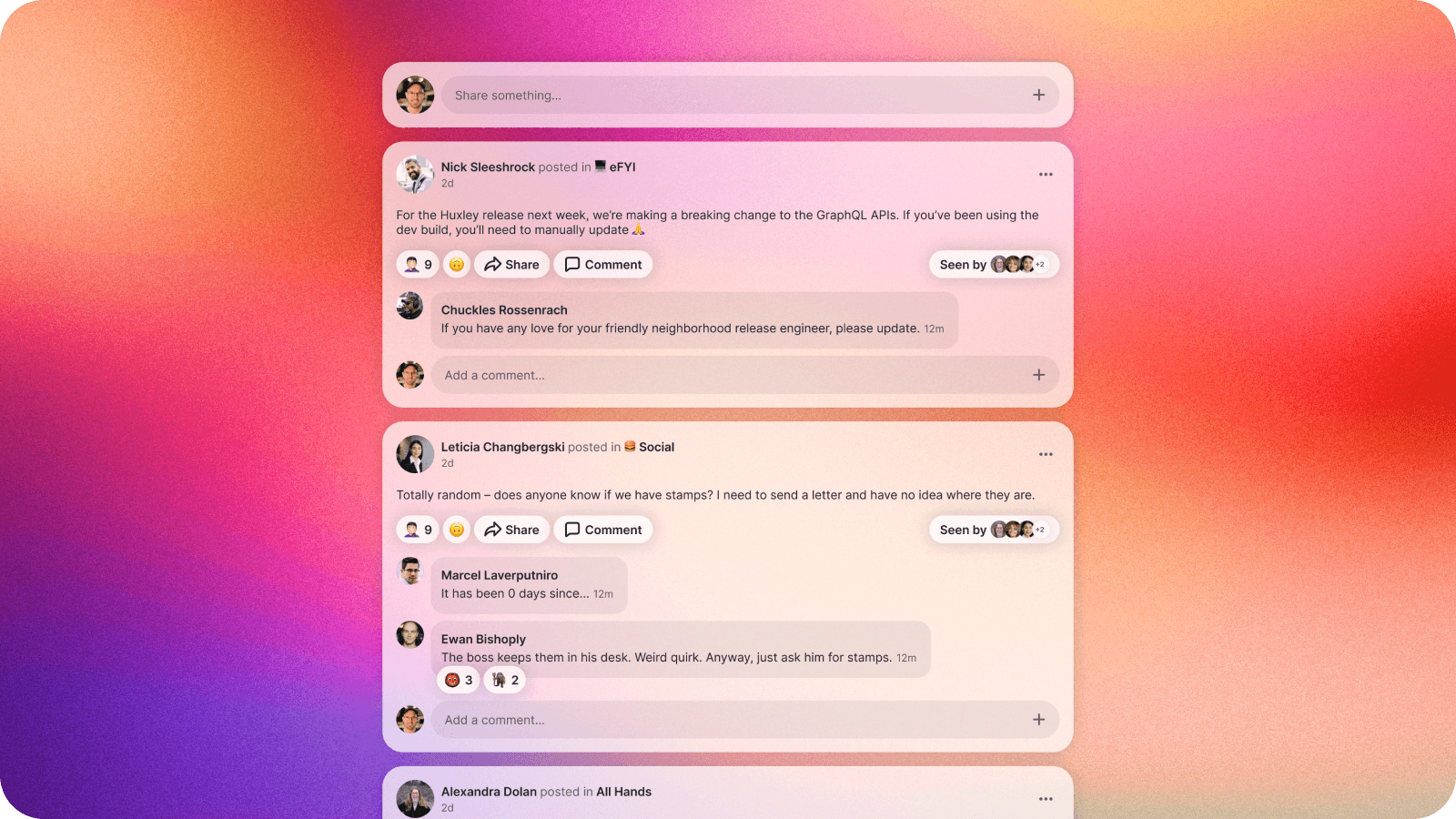
Your feed just got noticeably better at knowing what's worth your time. We rebuilt the ranking underneath it from the ground up: posts that people are actually commenting on and reacting to rise to the top, posts you've already spent time with quietly step aside to make room for something new, and routine system notices no longer crowd out the conversations you came for.
The goal is a feed that feels obvious rather than clever -- it should just show you what's happening, not simply what happened most recently.
✅ Mark As Read
Groups and chats on mobile now support marking things read or unread, so triaging a busy morning -- or catching up after a day out of office -- takes a tap instead of a scroll through everything you've already seen.
We also made mobile smarter about what actually counts as “seen” in the first place, so simply opening the app doesn't quietly mark your notifications read before you've looked at any of them. Read should mean read.
📋 Paste to Share
Sharing a screenshot or a quick video clip from your phone is now exactly as easy as it should be: copy it, paste it into your message, done. No detour through your camera roll, no hunting through an attachment picker.
We also taught the web app to accept SVG images directly. Paste or drop one in and it just works -- no exporting to PNG first.
📇 Google Workspace, Streamlined
We tightened up the machinery behind our Google Workspace connector, so adding and removing teammates stays perfectly in sync across the admin panel -- no refresh required.