July 20, 2026
This Week in Slashwork
This stretch wasn't about one big splashy launch. It was about sharpening a handful of things you already rely on every day. From smarter search to smoother uploads, here's what shipped.
🔎 Find Anything Inside Your Documents
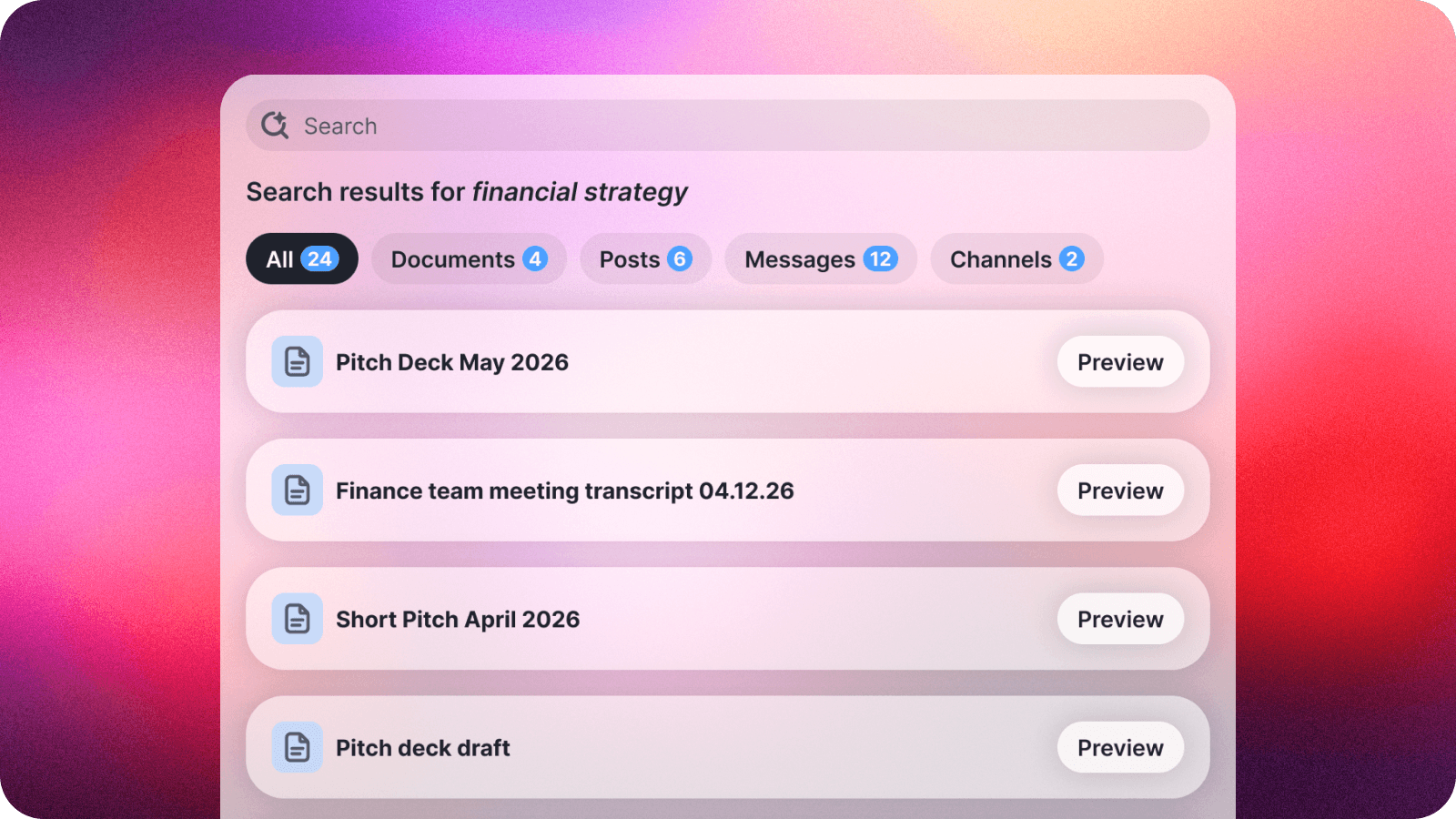
You already know Slashwork can find a message from months back in a couple of keystrokes. Now that same instinct works on the documents you've uploaded too. Search for a phrase, a name, or even just the gist of what you're after, and we'll surface the file it's hiding in, no matter which chat or group it was dropped into. No more re-uploading the same deck for the third time because nobody remembers where it lives.
🏢 Your Logo, Front and Center

Admins can now put the company logo right at the top of the left-hand navigation, so Slashwork looks like it belongs to your team the moment anyone opens it. It's a small visual change with an outsized effect — that's the first thing every person on your team sees, every single day. We made sure it looks sharp for keyboard navigation too, not just the mouse.
👀 Know Who's Caught Up

Group chats move fast, and it's not always obvious who's actually seen the latest message. On mobile, you can now tap in and see exactly who's caught up to any given point in a conversation. Handy for confirming everyone saw the announcement, or settling a friendly debate about who read it first.
🔗 Link Previews Come to Mobile
Share a link from your phone, and Slashwork now shows a proper preview right there in the app (a title, an image, some context) instead of a bare URL. This has worked on the web for a while, and the native apps have officially caught up. Sharing an article now looks like sharing an article. The snozzberries taste like snozzberries.
🖼 A Cleaner Way to Crop and Drop
We gave photo uploads a tune-up. Dragging images into a post or chat feels smoother, and the crop tool got a precision upgrade. Now, what you see in the preview is exactly what lands in the post.
🎤 Voice Notes That Just Work
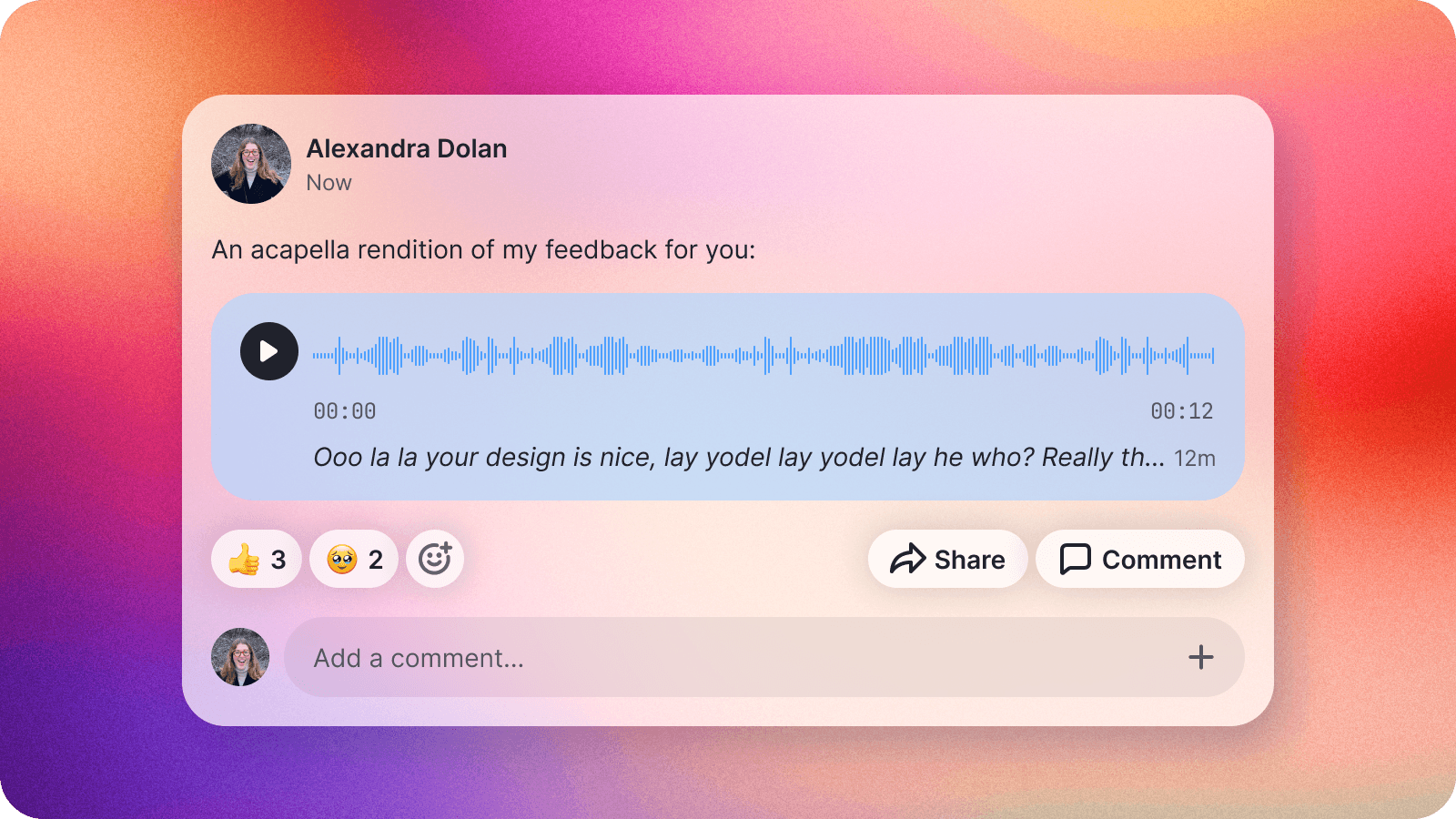
Recorded a voice note, then gone back to tweak the text around it? That now works cleanly everywhere. Web, iOS, and Android. Your recording stays exactly where you left it, no matter how many edits you make along the way.
🔐 Smoother Single Sign-On Setup
For teams managing access through SSO or SCIM, we've been quietly polishing the admin side of things. We added a dedicated SCIM configuration section, steadier behavior across identity providers, and a handful of fixes that make bringing new teammates in through your identity provider more reliable. It's the kind of feature that's exciting mainly because you'll never have to think about it.