May 18, 2026
This Week in Slashwork
It's been a full week. A lot of what shipped falls into two categories: things users see immediately and feel viscerally and things that quietly augment powerful under-the-hood parts of the system. Both matter.
👇 Long-press rebuild
The previous long-press behavior on native was functional but not great. You'd get a reaction picker. That was about it.
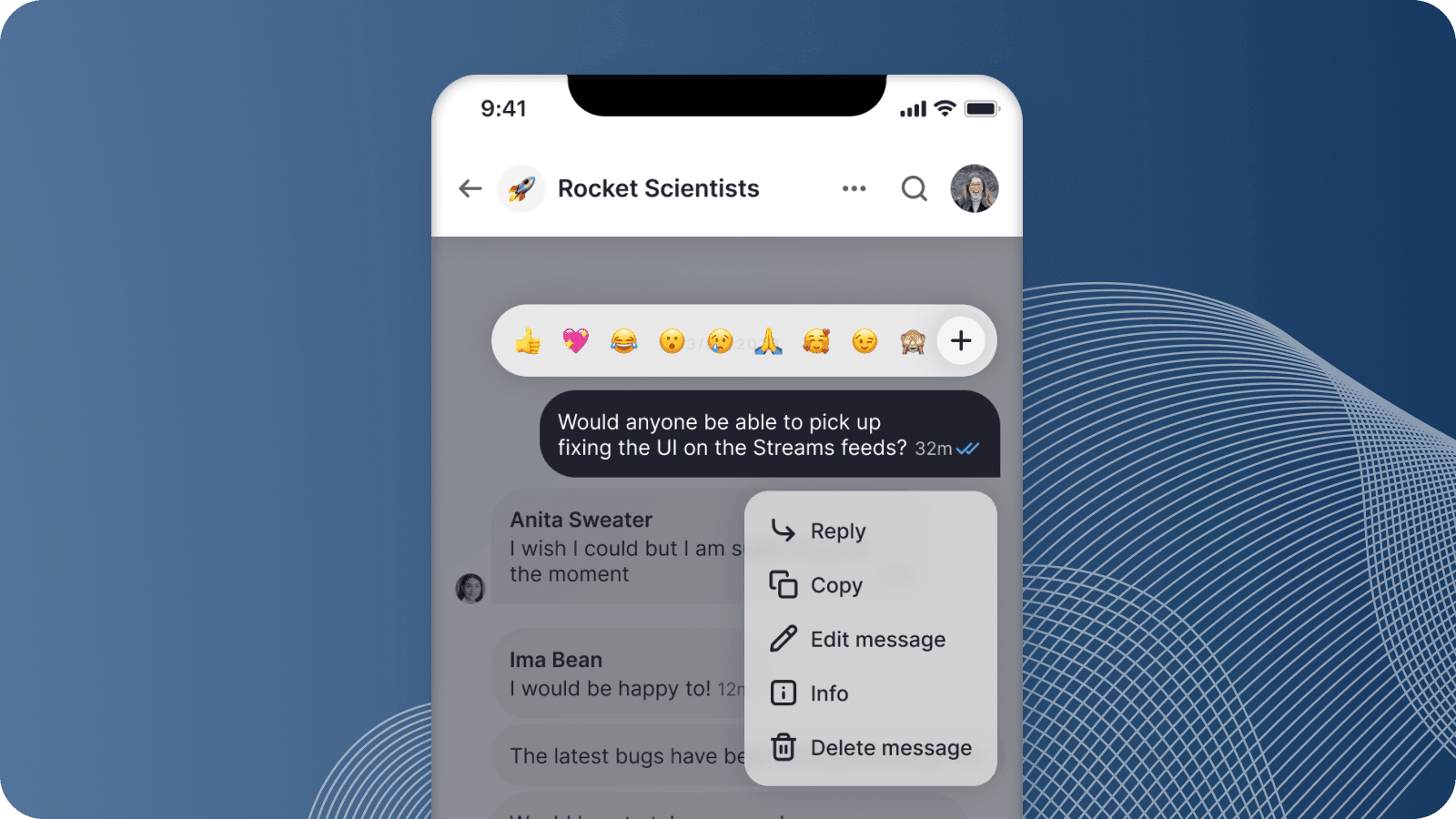
This week, we rebuilt the whole thing. Long-pressing a message now lifts it off the chat — the message physically rises from the feed and hovers in the center of the screen, with a reactions picker appearing above it and an actions menu appearing below. Reply, Copy, Edit, Delete. The layout is smart enough to measure the available space and shift the lifted message up or down so everything fits on screen without clipping. All of it animates together as a group using spring physics.
The reason this matters is that reactions and message actions had no natural home before this. Reactions were buried behind a long-press with no obvious affordance for anything else. Adding actions to the same surface would have made it cluttered and confusing. Lifting the message out of the feed gives you a dedicated context — it's visually clear that you're operating on this message, and there's enough room to show you everything you can do with it.
It's the kind of interaction where, once you try it, the old behavior feels broken.
🎙️ Voice Notes on Desktop
This week we shipped Voice Notes in the browser. You've been able to send voice notes from the mobile apps for some time. Now you get the same power in the desktop browser experience. From your browser you can record a message and send it as a group post, chat message, or channel message. You'll get all the same power of automatic transcription and playback with word-by-word subtitles.
🌊 Streams are now Channels
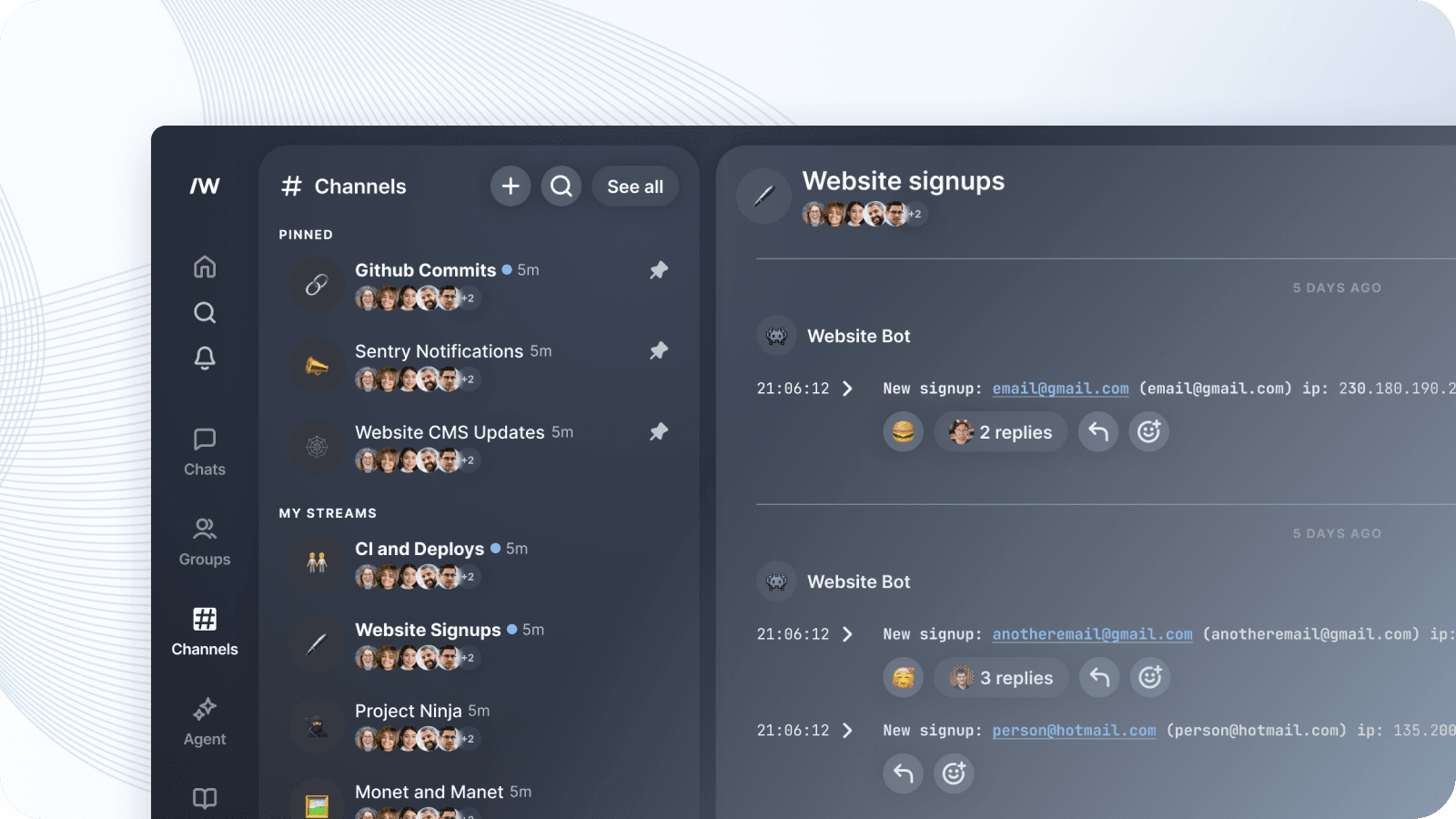
We've renamed Streams to Channels. This one is a bit of a ship of Theseus situation — we're partway through the migration — but the visible UI text has all flipped. If you see "Channel" anywhere in Slashwork now, you're looking at what used to be called a Stream. We did this because we found that everyone understands the concept of a Channel, but no one has an immediate understanding of a "Stream". Channels have been around since the 1940s, going all the way back to CB radio communications.
Internally, we added CHANNEL as a valid group display type in the schema, but we're doing a staged migration: for now the server writes CHANNEL back to disk as STREAM, which means older client versions continue to work normally. Stage 2 (the actual data migration) can proceed once we know all clients have picked up the new enum value.
The reason we're doing it this way — staging the rename carefully rather than just flipping a switch — is that we've learned the hard way that bold database migrations and client deploys rarely land at the same time. Better to be boring and correct than exciting and broken.
🪝 Webhook privacy controls
Before this week, webhooks could only be configured by company administrators. This is because they got every event that happened anywhere on Slashwork — every post, every chat, every private direct message. Because they bypassed privacy, normal users could not set them up. This sort of "firehose" webhook is really useful for certain types of integrations — logging, audits, etc. But limiting only to company admins is a huge restriction. It's also not at all what most people doing real-time integrations want.
We now have privacy-aware webhooks, that normal users can set up themselves. They filter events based on the visibility of the bot user — the same rules that govern what a real user can see. Because they properly respect privacy, they don't need to be limited just to company admins.
We also added two additional delivery modes: an explicit group list (the webhook only fires for events in groups you enumerate), and an unrestricted firehose mode for company admins who genuinely need everything.
🔴 The notification favicon
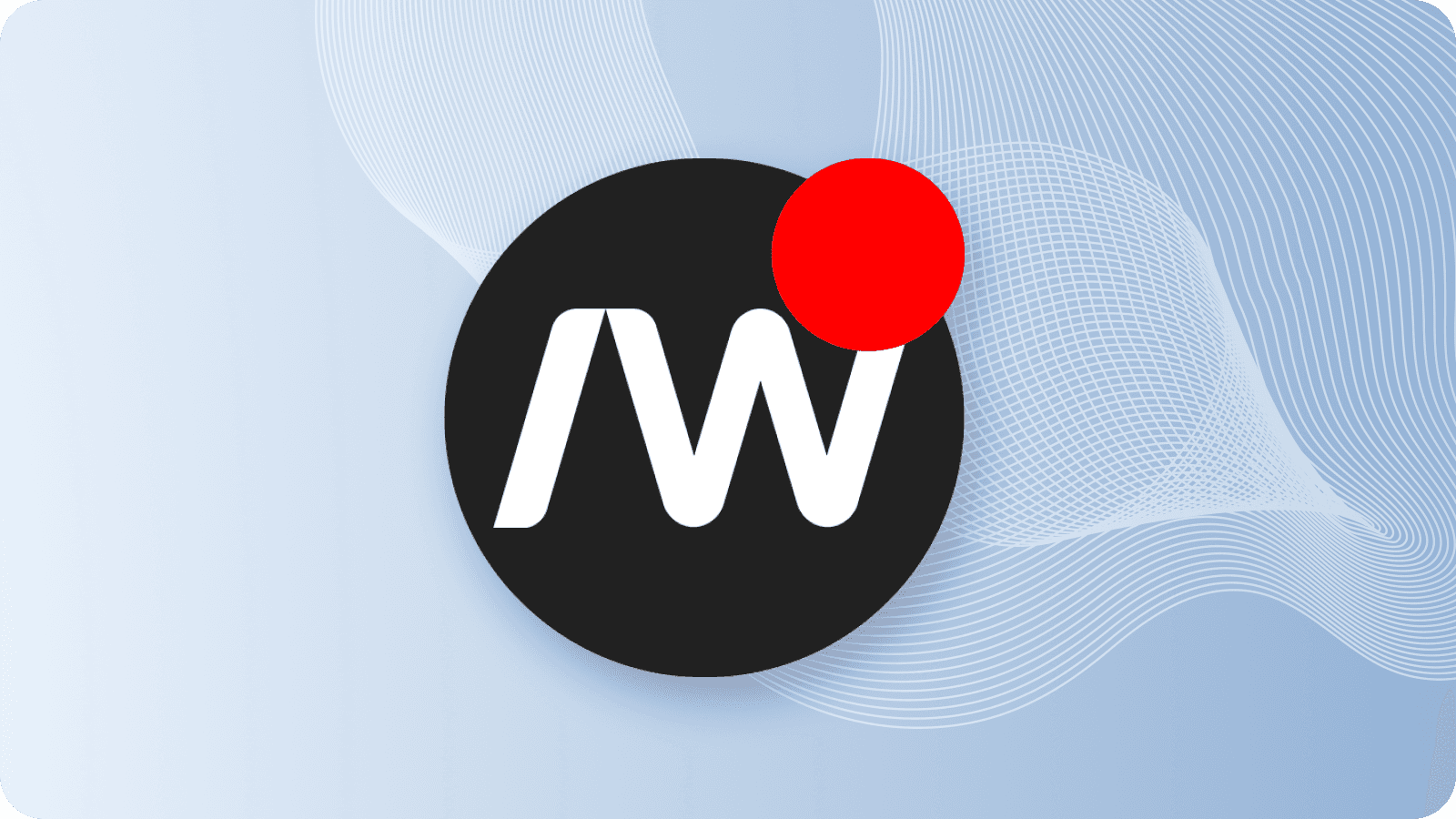
Small one, but a good one: the browser favicon now switches to a notification variant when new messages arrive while you're in another tab. You get a visual dot on the tab without having to look at the tab title.
The implementation is a separate favicon asset that the app swaps in when unread notifications arrive and you're not focused on the window. It swaps back when you return. It's the kind of thing you don't notice until it's there, and then you can't imagine not having it.
Application Management
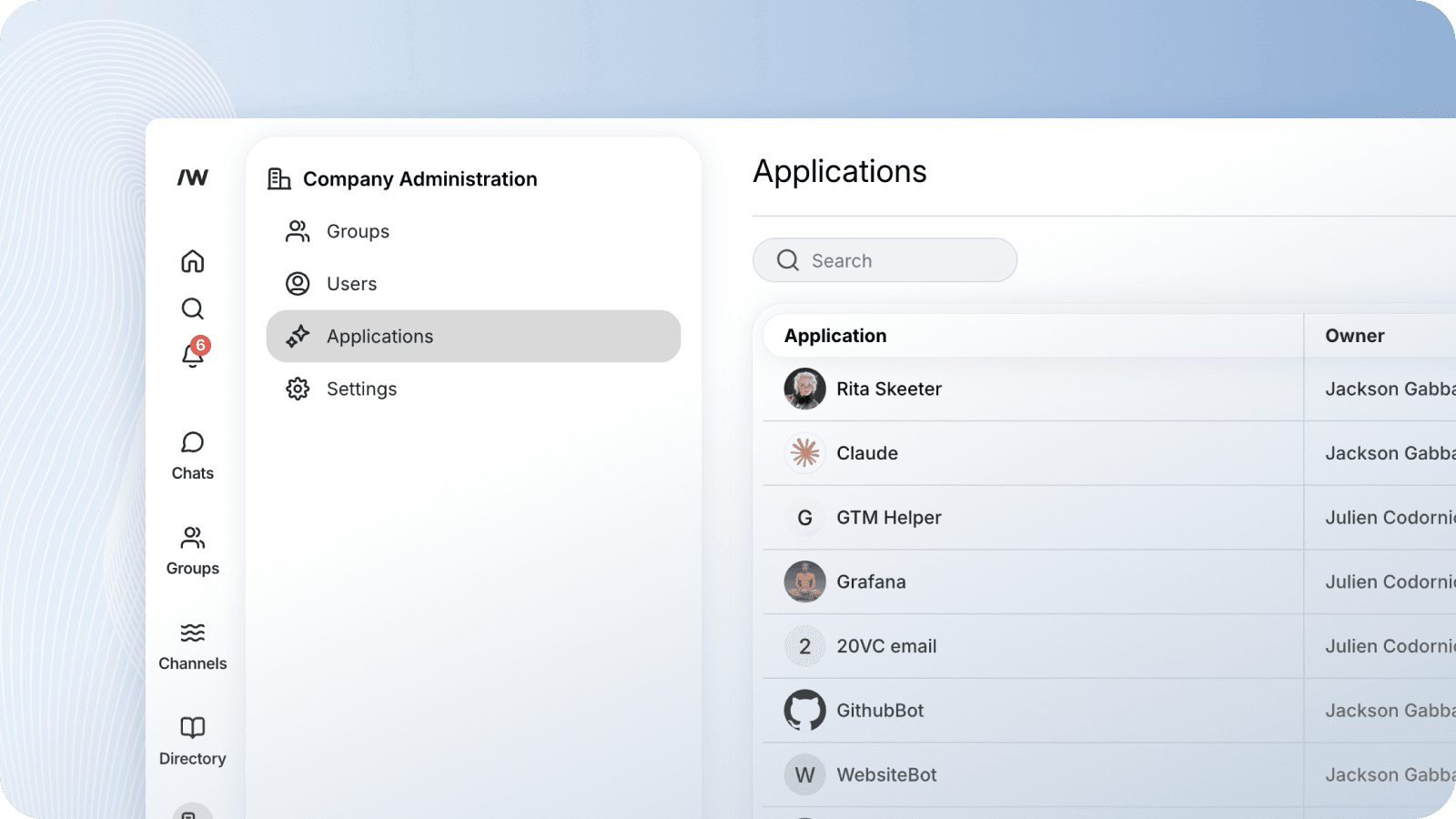
The admin panel now has a dedicated section for managing Applications — the first-party name for bot users and integrations. You can view, create, and delete applications from the admin UI. Previously, managing these required API access.
We also made some quality-of-life improvements to the admin Users table: the username is now a clickable link to their profile, there's an explicit "Edit name" button rather than hunting for where to do that, and the table header stays fixed when you scroll through a long user list.
SSO Test Configuration
SSO configuration has always been a bit of a "configure and pray" experience — you fill in the fields, save, and then find out if it works by trying to log in. This week we added a test button to the SSO admin config panel that runs a validation check against your IdP before you commit.
Honorable Mentions
- Cmd/Ctrl+Enter sends messages on web. This has been the expected behavior in almost every messaging product and is now in Slashwork, too.
- Keyboard behavior when adding members to a new chat, stream, or group has been improved — the search input autofocuses, and arrow key navigation works as expected.
- Mobile web unread count now appears in the top-left nav toggle. If you have unread messages, you'll see it even when the nav is closed.
- Typing indicators in the chat composer and on comment threads were fixed to match the desktop web experience.