May 6, 2026
This Week in Slashwork
It's been a week of big swings. Several features that have been in flight for a while all landed at once: notifications, importing, invites, and a handful of things that make the mobile experience feel a lot more like what it should have been all along. Here's what shipped.
🔔 Stacked Notifications
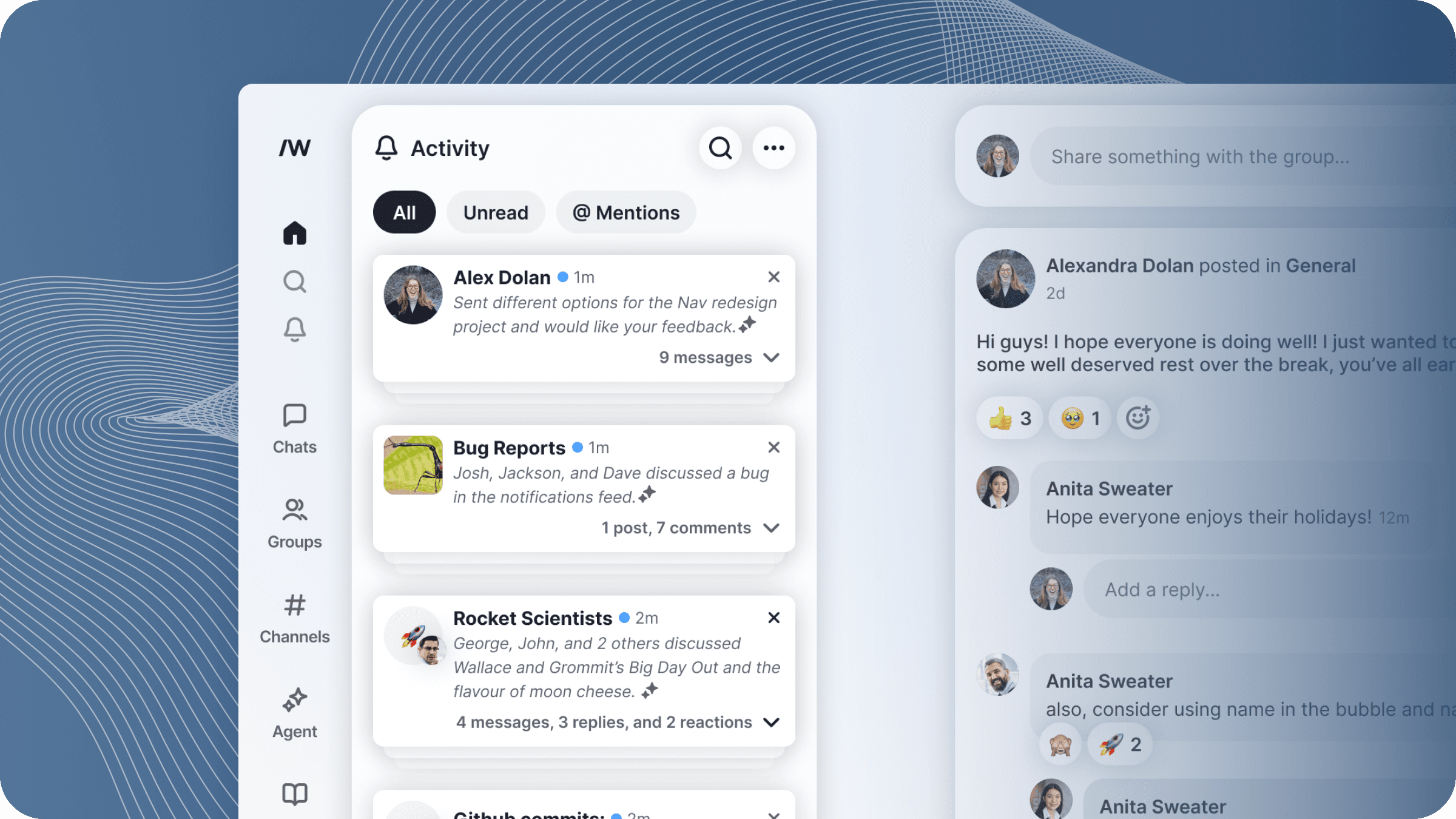
If you've ever opened your notifications panel after a busy meeting to find fifty individual pings from the same conversation, you know the problem. One of our flagship features is landing this week: AI-powered notification aggregations.
Notifications that belong together now stack into a single card. You can expand a stack to read through the individual items, filter by notification type, dismiss the whole pile with a single tap, or hit "mark all as read" and get on with your life. This landed on both desktop and mobile simultaneously, and we backfilled existing notifications so your panel doesn't look like a crime scene the moment you update.
🎙️ Voice Notes: Instant Send
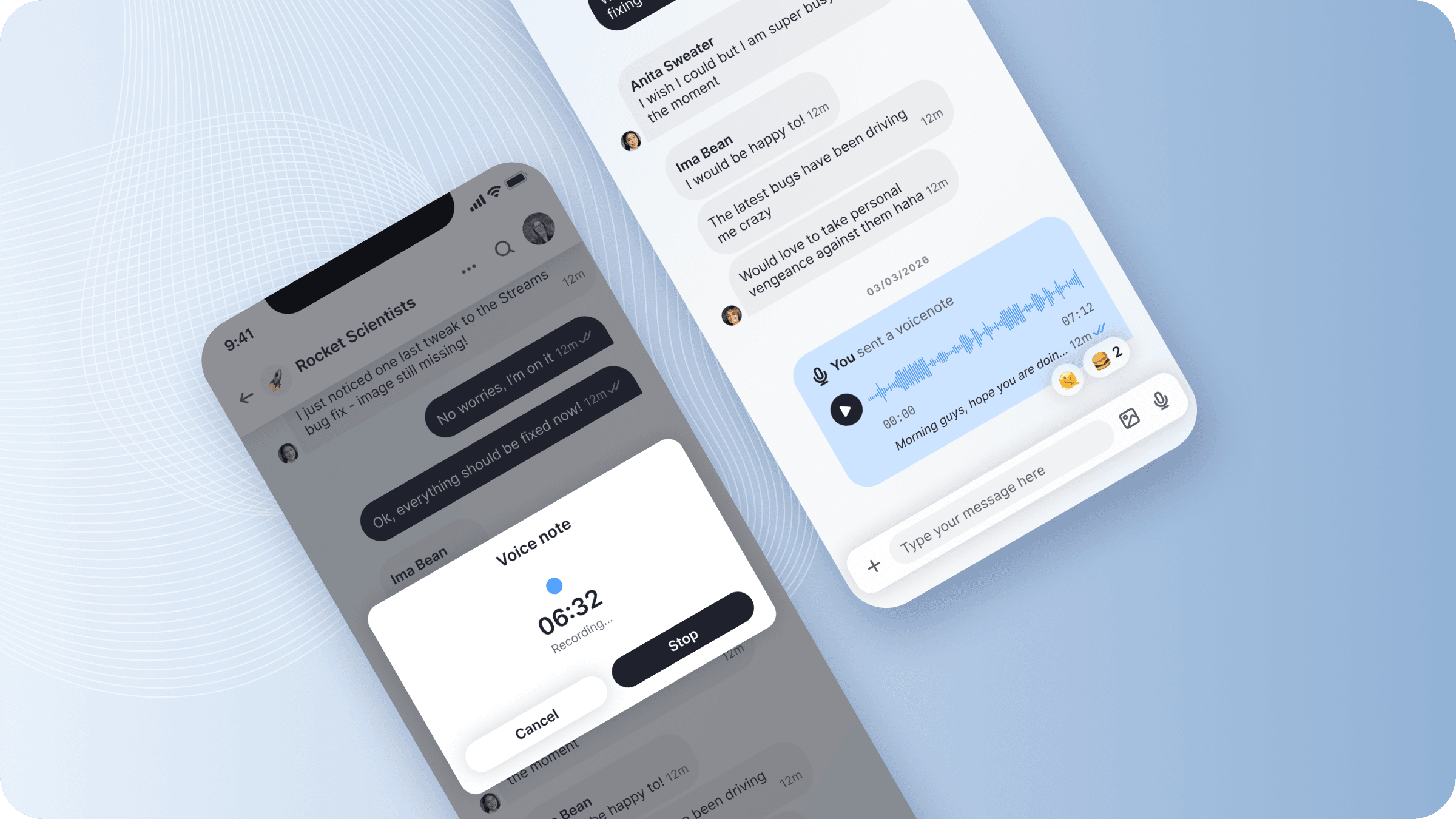
Voice notes now start recording the instant you tap the microphone. No extra taps needed. When you're ready to send, hold the button and it goes. It's a small change and it makes the whole thing feel dramatically snappier.
And you still get the full voice notes experience: automatic transcription, subtitled playback, and word-for-word playback tracking.
📥 Chat Importer: WhatsApp & Google
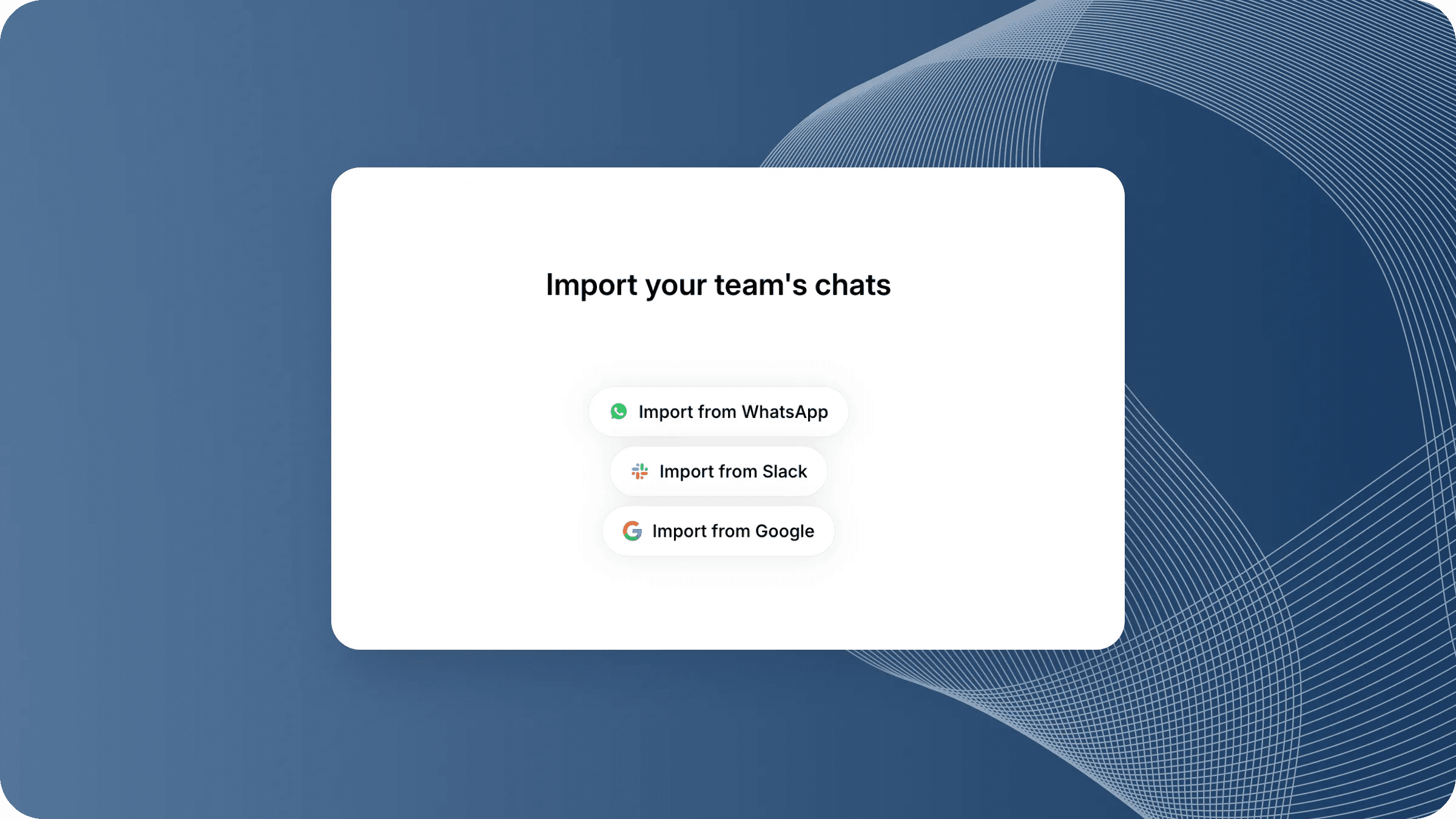
This one has been a long time coming. Slashwork can now import your conversation history from WhatsApp and Google: groups, direct messages, the whole thing. You upload the export ZIP straight from your phone, map your contacts to their Slashwork accounts, pick a destination chat or group, and Slashwork does the rest.
The importer handles deactivated users gracefully, keeps message ordering stable, and walks you through the export process step by step with animated instructions for both iOS and Android. (Yes, getting a chat export off your phone has approximately fourteen steps. We made a GIF.)
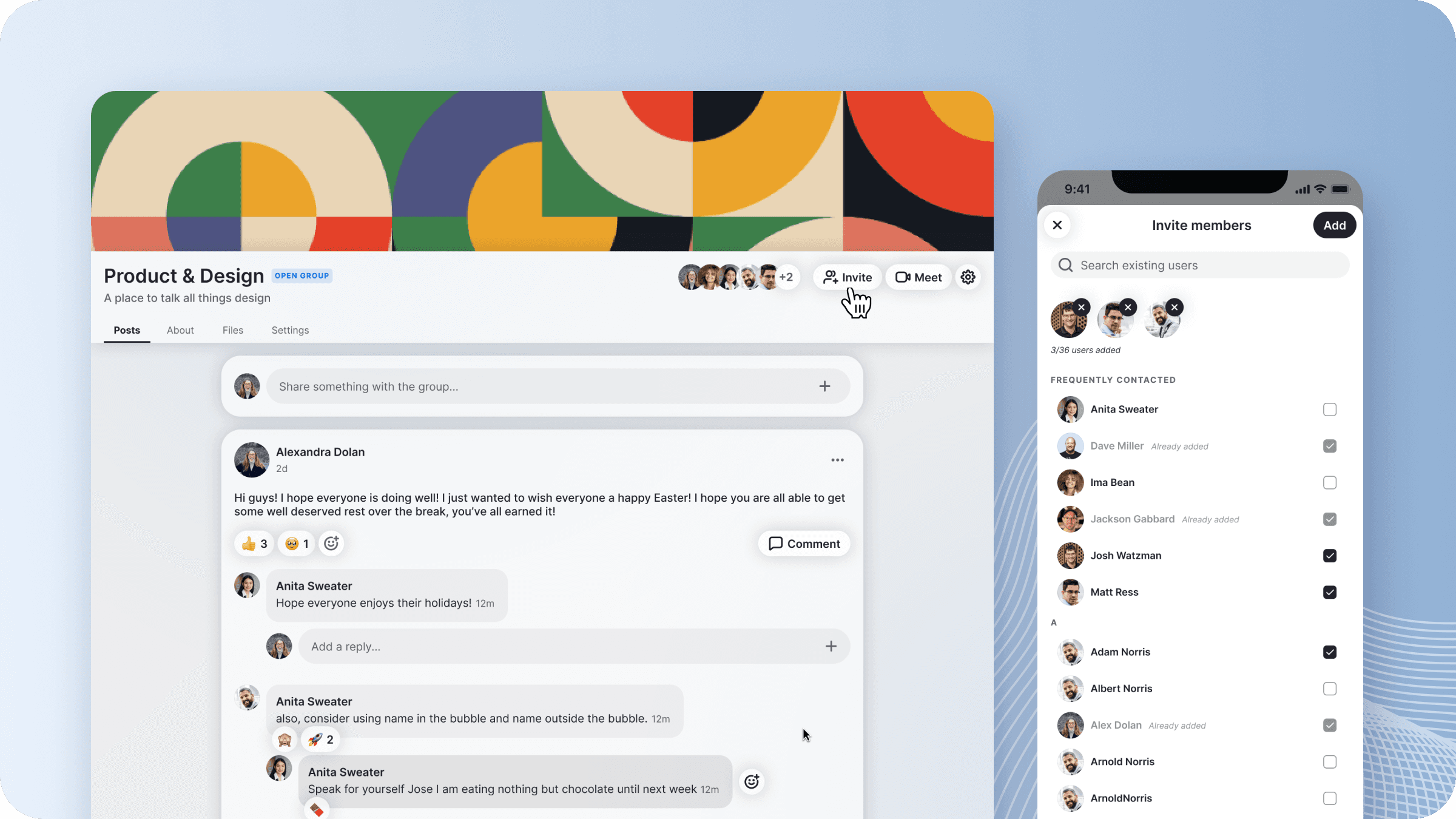
🤝 Invite Users to Groups and Chats
You can now invite people into a group or chat directly from within that group or chat. No side trips required. The invite flow slides in as a modal on mobile, which is way more efficient.
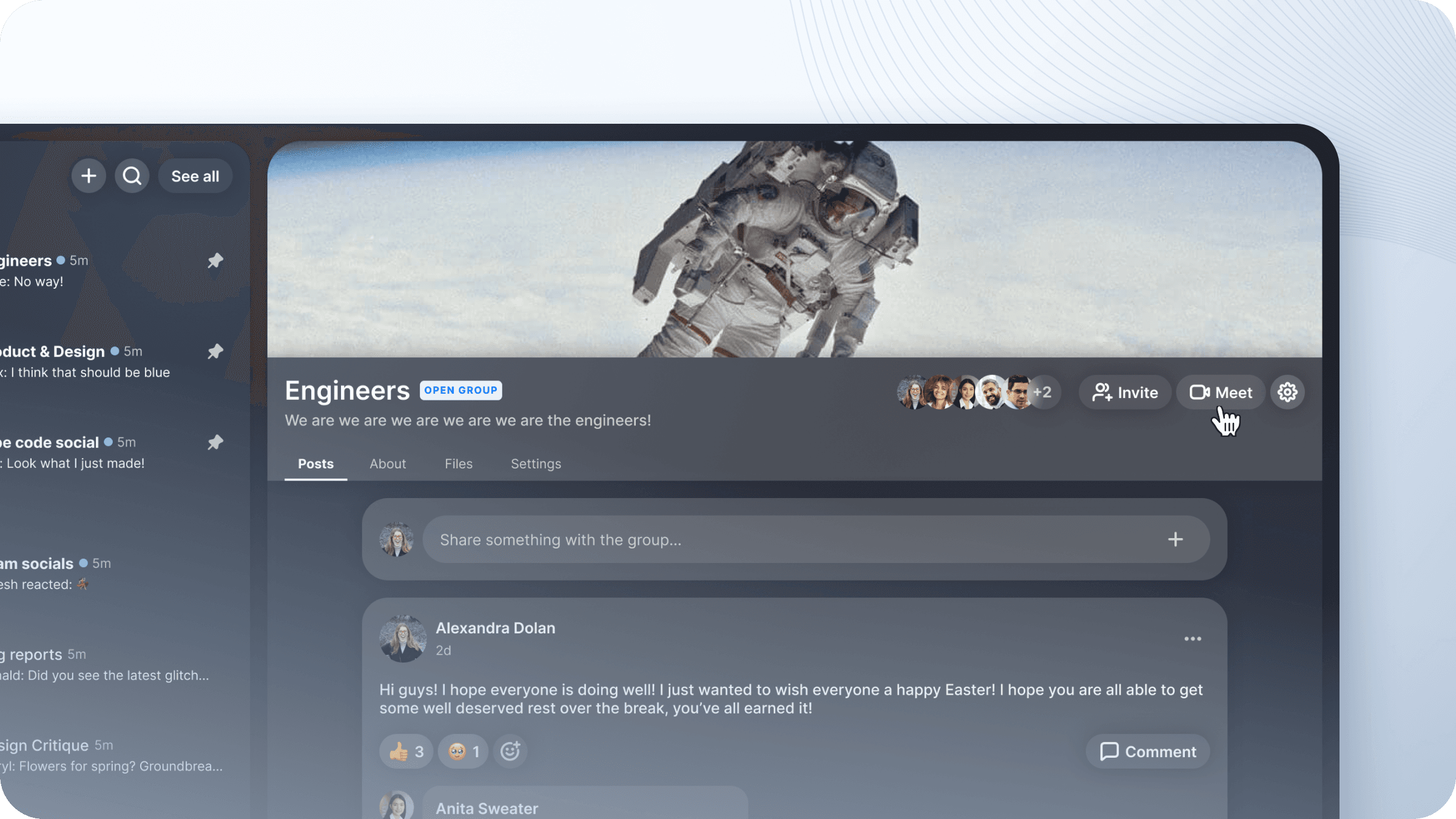
📅 Create a Google Meet
You can now start a Google Meet from inside Slashwork. One tap, a meet link lands in the conversation. More coming on this feature!
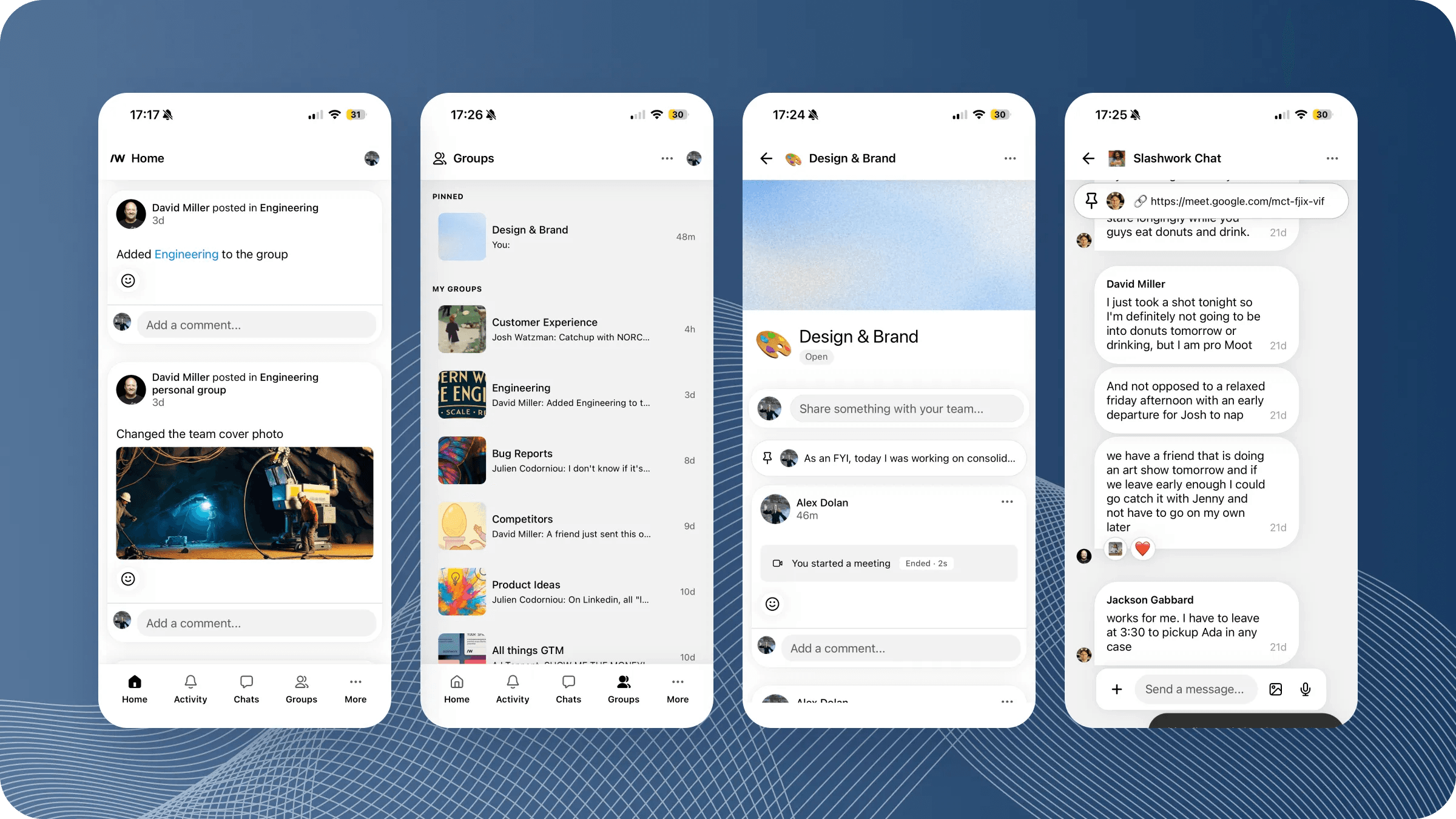
📱 Mobile Polish
A bundle of smaller things that add up:
- Infinite scroll on profiles: profiles now scroll continuously rather than hitting a hard floor
- Profile header redesign: looks sharper, including a direct message button right in the header
- Chats list and Groups tab redesign: cleaner layout all around, and pinned items are back where they belong
- Fix for deep linking on cold launch: notifications now navigate you to the right place even when the app wasn't already running, which was a gnarly one to track down
- Emoji-only messages render larger: a paragraph that's just emoji now renders at an appropriate size, as God intended
In progress
🔐 SSO
Early groundwork for single sign-on via OIDC is in: the basic callback handler and state parameter are wired up. This isn't user-facing yet, but the skeleton is there.
One of the much-requested features from larger organizations is the ability to synchronize Slashwork users from external authentication sources. We're laying the foundations for this now.